




EA Quick Information
- Platform
- MT5
- Build
- 5984+
- Setfiles
- Included
- Timeframe
- M5
- Updates
- Free for 1 year
Our Latest Product





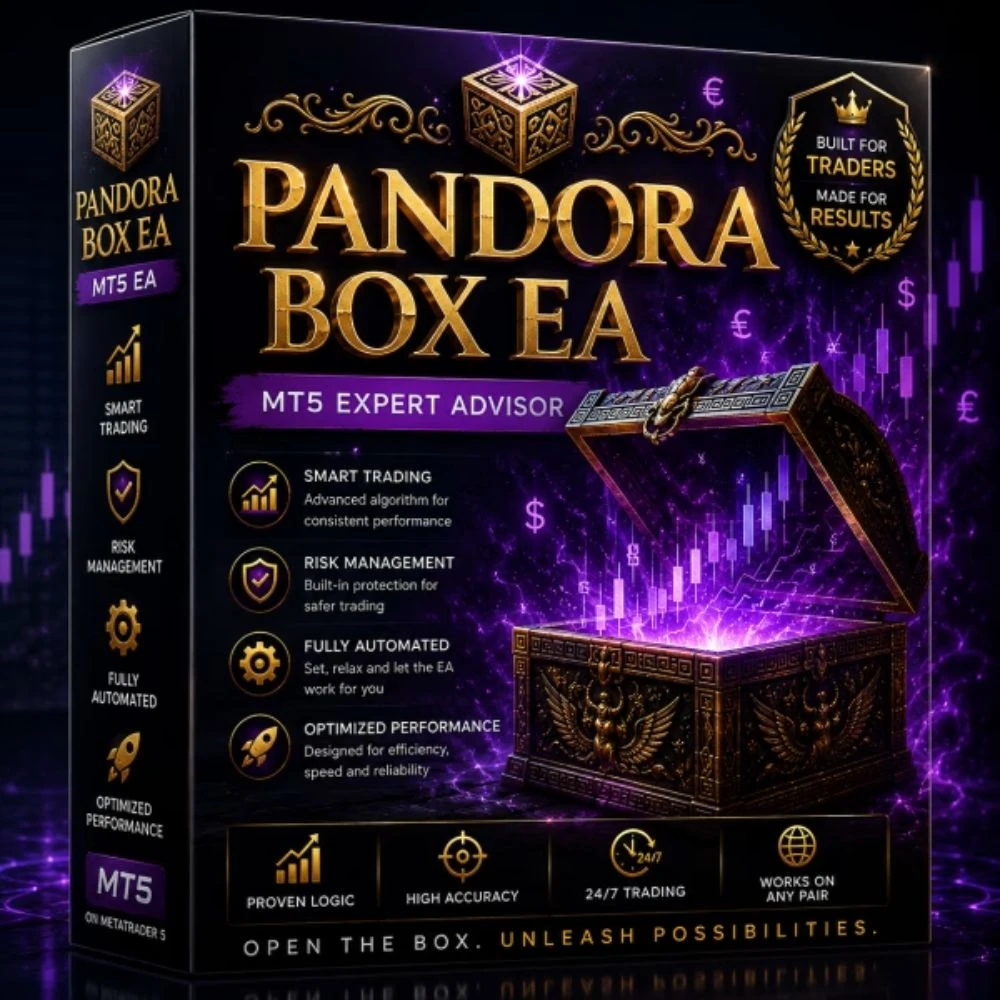
PANDORA BOX EA MT5 V1.1 + SETFILES BUILD 5984+
$14.99
One-time payment · Digital download
PANDORA BOX EA is a MetaTrader 5 Expert Advisor created for forex trading with a structured setup for traders who want clear platform, timeframe, broker, and account information before testing. The product page should be reviewed together with the included settings and source details before any live use.
Use the product on its recommended timeframe with a suitable broker environment, VPS uptime when needed, and conservative lot sizing. Traders should test the robot carefully and adjust risk according to account size, spread conditions, and their own trading plan.
- Digital download Files are available in your account once payment is confirmed.
- Replacement guarantee Not working? We replace it with an equivalent product.
- Setup support Help by email or Telegram before and after you buy.
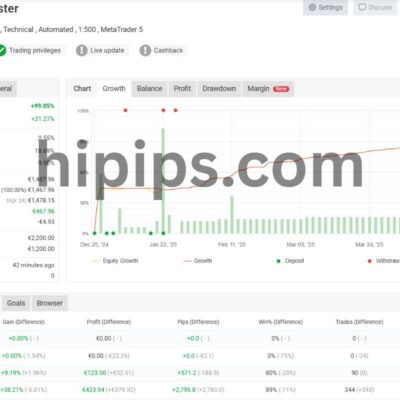
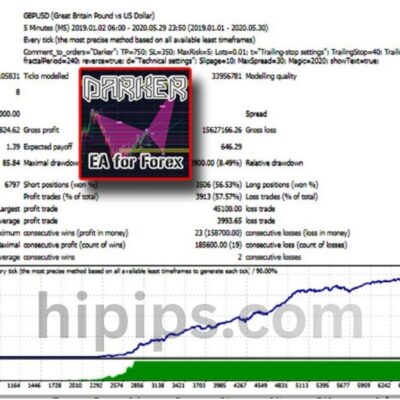
Trading involves risk of loss. Backtests and screenshots show past or simulated results, not future returns.
Guaranteed safe checkout









INTRODUCING PANDORA BOX EA
PANDORA BOX EA is a MetaTrader 5 Expert Advisor created for forex trading with a structured setup for traders who want clear platform, timeframe, broker, and account information before testing. The product page should be reviewed together with the included settings and source details before any live use.
Use the product on its recommended timeframe with a suitable broker environment, VPS uptime when needed, and conservative lot sizing. Traders should test the robot carefully and adjust risk according to account size, spread conditions, and their own trading plan.
Key Takeaways
- Market Structure Analysis: PANDORA BOX EA analyzes market conditions before opening trades.
- Multi-Layer Trade Validation: Trade setups should be supported by multiple confirmations before execution.
- Risk Management: Traders should use conservative lot sizing, drawdown control, and VPS stability before live trading.
PANDORA BOX EA Features
Product Format: DLL
Platform: MetaTrader 5 (MT5)
Trading Time Frame: M5 (5-minute timeframe)
Supported Asset: US30 Index
Starting Deposit: From $100
Trading Approach: Intraday Scalping and Momentum-Based Trading
Execution: Fully Automated System
Market Instrument: Index CFD
VPS Support: Recommended for reliable performance
Broker Selection: Low-spread ECN broker preferred
PANDORA BOX EA Review
INSTRUCTIONS FOR INSTALLING EA
Open MT5, go to Tools > Options or Ctrl+O. Click Expert Advisors tab. Ensure Allow algorithmic trading and Allow DLL imports are enabled.
PANDORA BOX EA Download
Link download PANDORA BOX EA will be sent to your email after payment.
+ Expert :
- PANDORA BOX EA.ex5
- Setfiles / DLL product format
- Free updates for one year
Delivery
- This is a digital product: nothing is shipped.
- Once your payment is confirmed, the files are available under My Account → Downloads and in your order email.
- The platform (MT4 / MT5), build and included files (setfiles, source code) are stated in the product title and description.
Refunds & replacements
- If a product does not work, we replace it with an equivalent product from our store.
- We do not refund because of trading results: profits and risks are yours.
- Membership packages are non-refundable.
Support
Email [email protected] or chat with us on Telegram.
EA Quick Information
- Platform
- MT5
- Build
- 5984+
- Setfiles
- Included
- Timeframe
- M5
- Updates
- Free for 1 year
Our Latest Product









Reviews
There are no reviews yet.