
Indicator 66 products
Indicator
Browse MT4 and MT5 indicators for trend, signals, supply and demand, order blocks, and currency strength, plus dashboards and trade panels for chart-based trading.
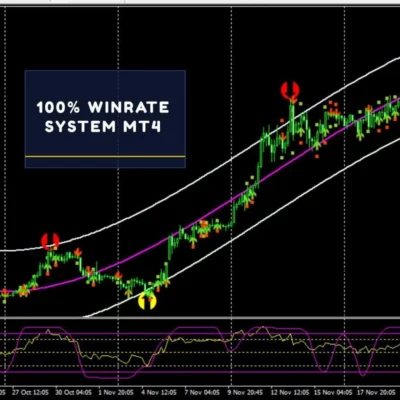
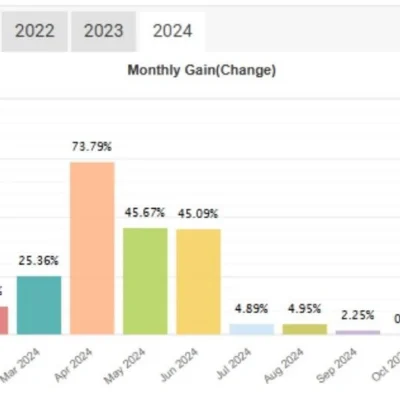
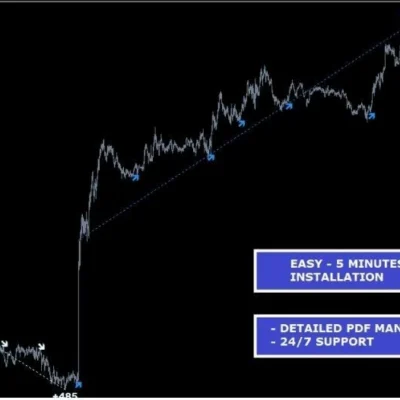

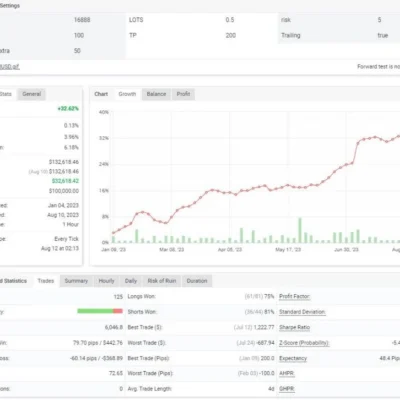

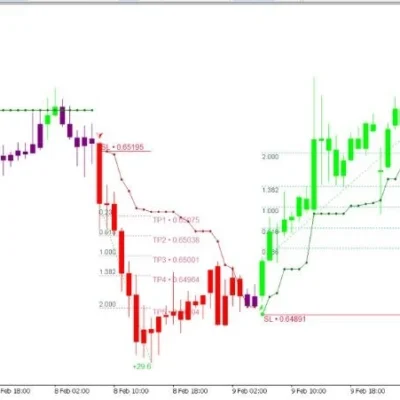
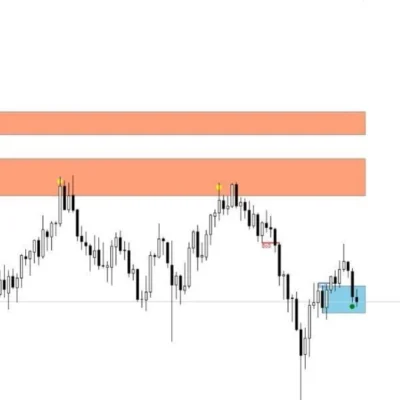
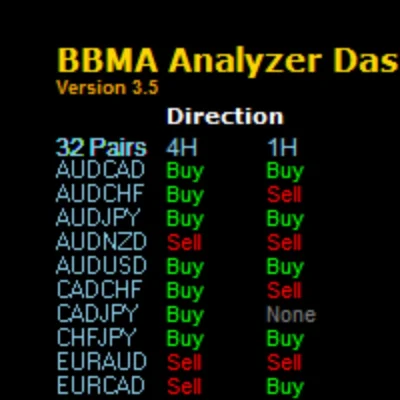
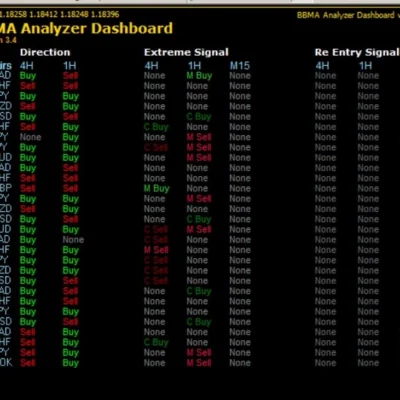
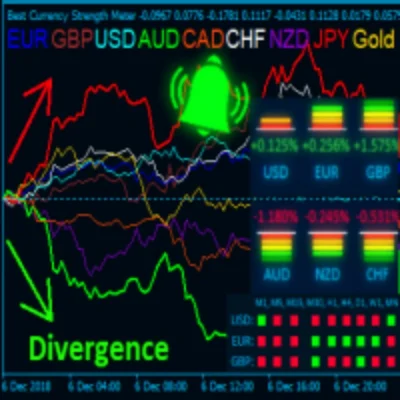
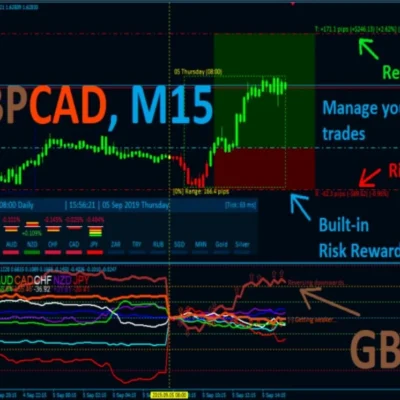



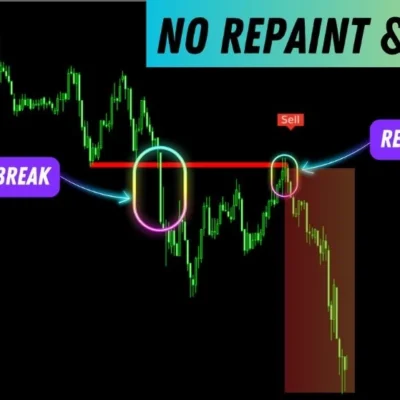
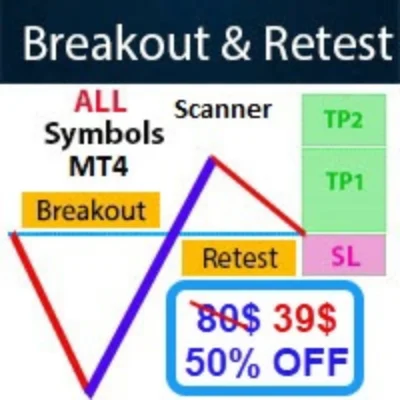
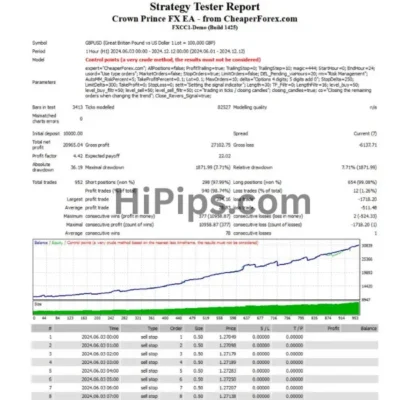



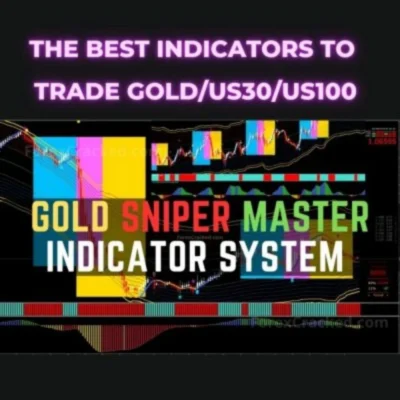
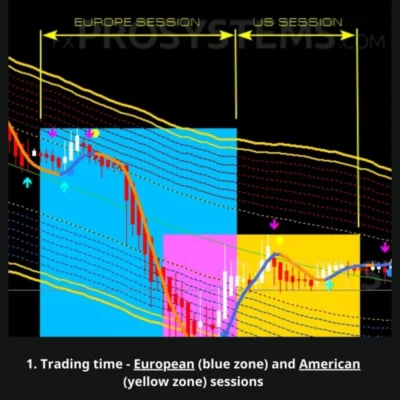


MT4 and MT5 indicators for chart-based trading
The Indicator category collects MetaTrader tools that read the chart for you: trend and momentum indicators, buy and sell arrow signals, supply and demand zones, order blocks and break-of-structure tools, Gann and chart-pattern tools, and currency strength meters. Most products are built for MT4 and a smaller group runs on MT5, so check the platform in the product title before you buy.
Some listings combine an indicator with a manager EA or trade panel that can open, close, or manage orders from its signals. Those products also appear in the Expert Advisor category; start there if you want a fully automated robot instead of signals you act on yourself.
How to choose an indicator
- Platform and build: MT4 indicators use EX4 or MQ4 files and MT5 indicators use EX5 or MQ5 files; they are not interchangeable. The build number in the title is the terminal build the file was prepared for.
- Signal type: decide whether you need arrows and alerts, zones and levels, a dashboard that scans several symbols, or a trend filter for your own strategy.
- Repainting: signals that change after a candle closes look better in history than in live trading. Read the product notes and watch the indicator in real time on a demo chart.
- Timeframe and market: use the Timeframe and Market filters to narrow the list to your trading style.
After purchase, copy the file into the MQL4/Indicators or MQL5/Indicators folder of your terminal (File > Open Data Folder), restart MetaTrader, and drag the indicator onto a chart. If you need editable files, see EA source code.
Indicator FAQ
What is the difference between an indicator and an Expert Advisor?
An indicator analyses the chart and shows signals, levels, or alerts, and you decide whether to trade. An Expert Advisor opens and manages trades automatically.
Can I use an MT4 indicator on MT5?
No. MT4 and MT5 use different file formats, so choose the version that matches your terminal.
Do indicators work with any broker?
Indicators read price data from your terminal, so they generally work with any broker that offers the symbol. Symbol names and trading hours can differ between brokers.
Can an indicator guarantee profitable trades?
No. Indicators help you read the market, but any signal can fail. Test on a demo account and use your own risk management.









