


EA Quick Information
- Platform
- MT4
- Build
- 1420+
- Setfiles
- Not included
Our Latest Product





ADAM for FTMO 4 EA V5.25 MT4 FOR BUILD 1420+
$14.99
One-time payment · Digital download
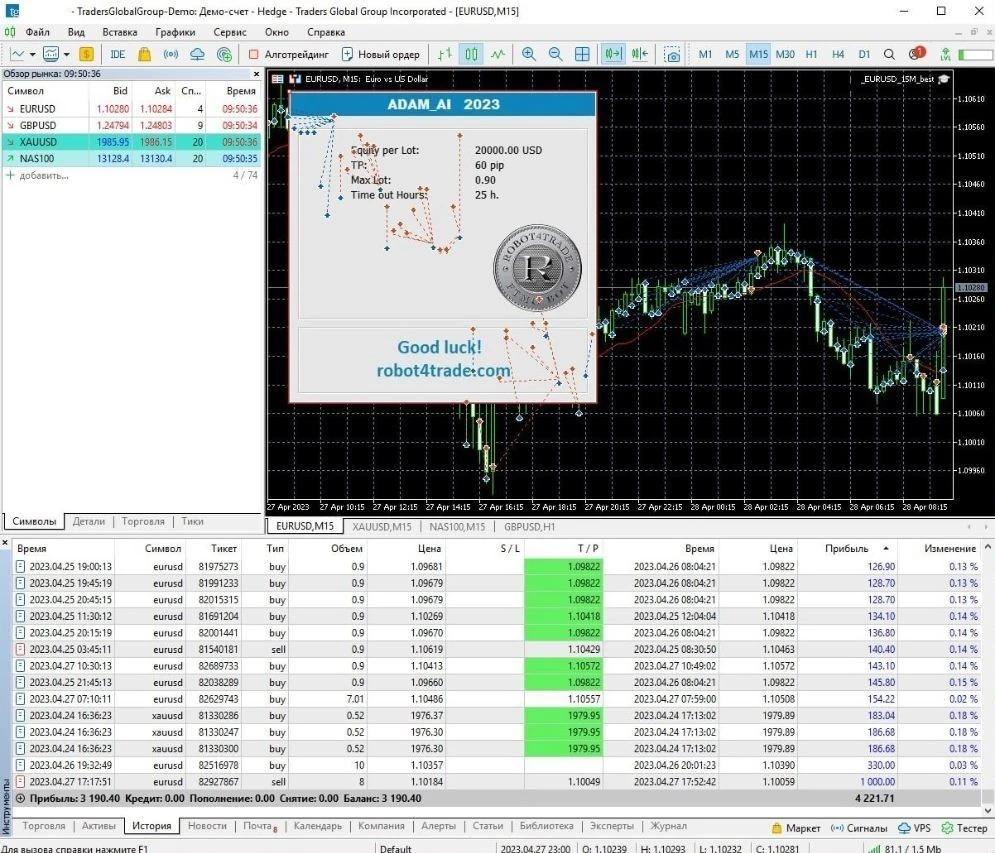
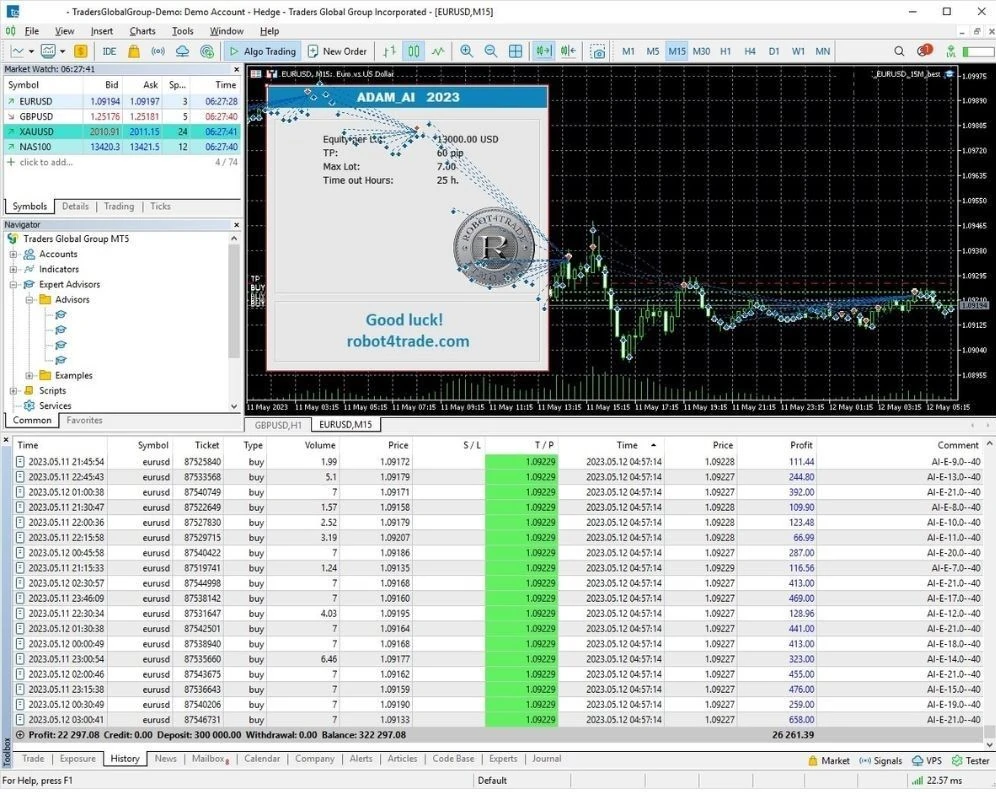
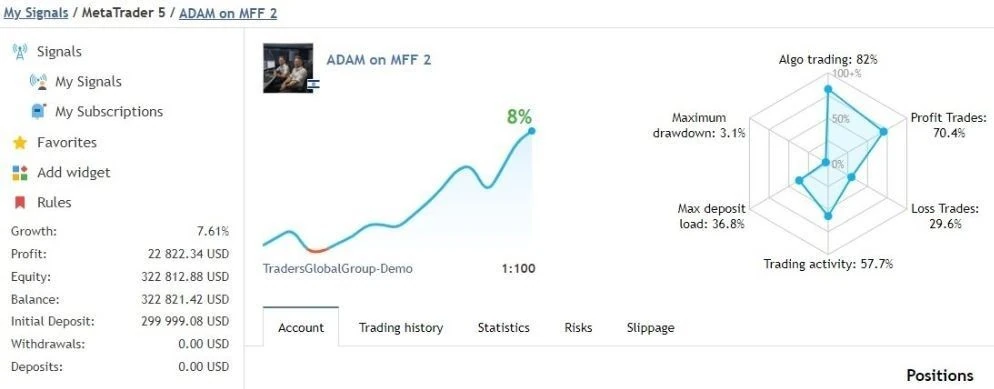
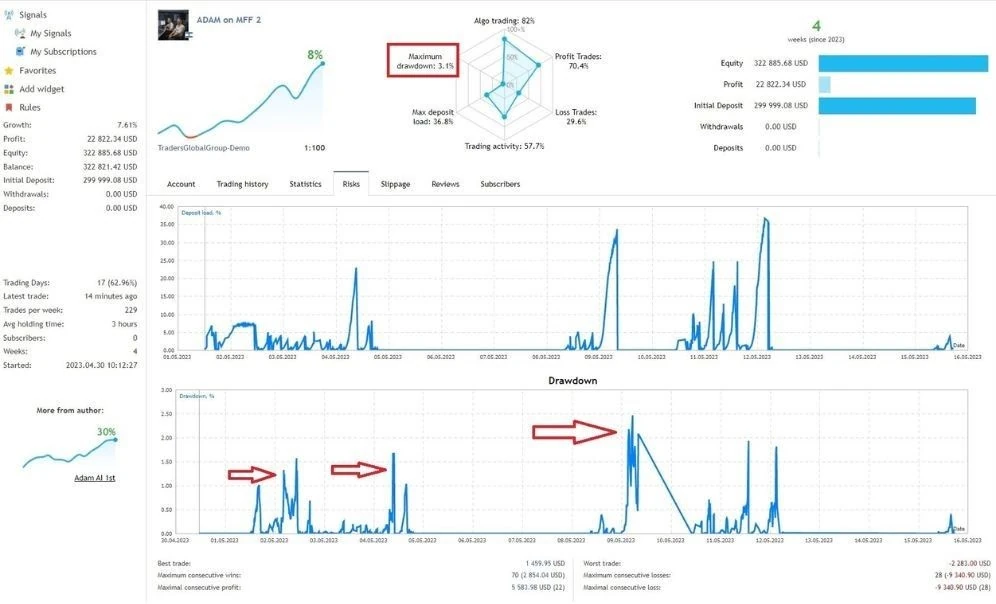
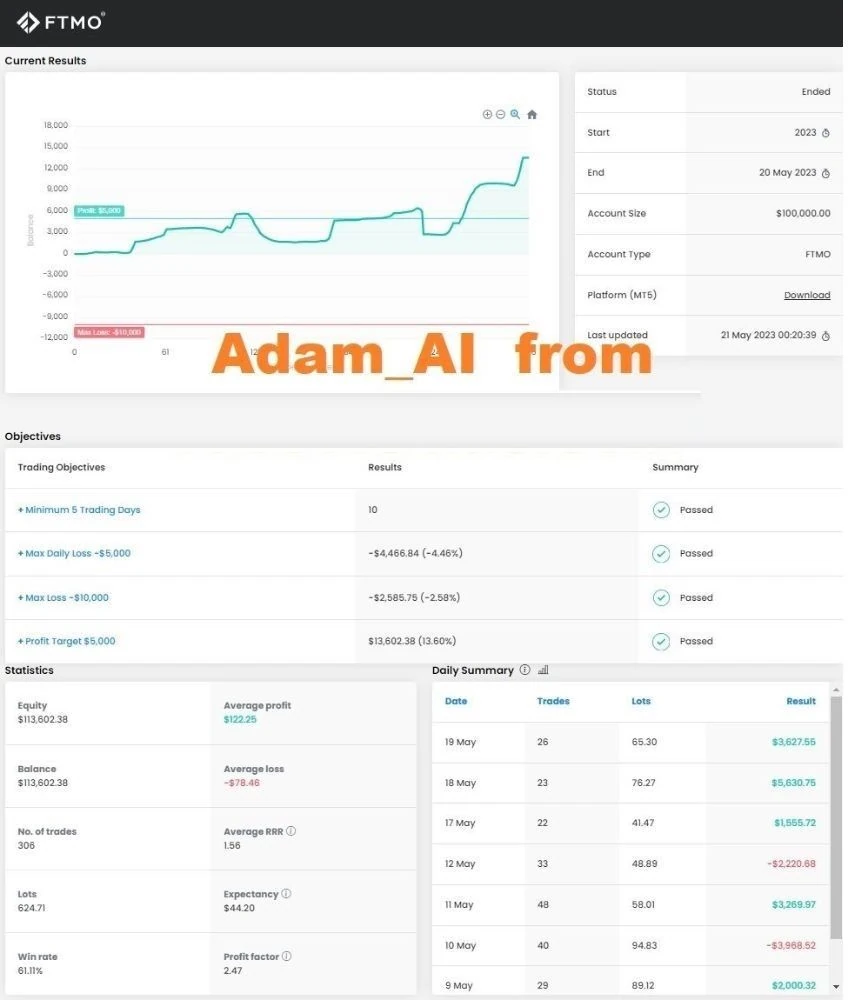
ADAM for FTMO 4 EA is an Expert Advisor meticulously crafted using ChatGPT technology. Specifically designed for compatibility with the MetaTrader 4 platform, it is finely tuned to collaborate seamlessly with FTMO and MFF prop firms. The EA exclusively focuses on trading with reputable prop firms, adhering to default parameters for a $100,000 challenge.
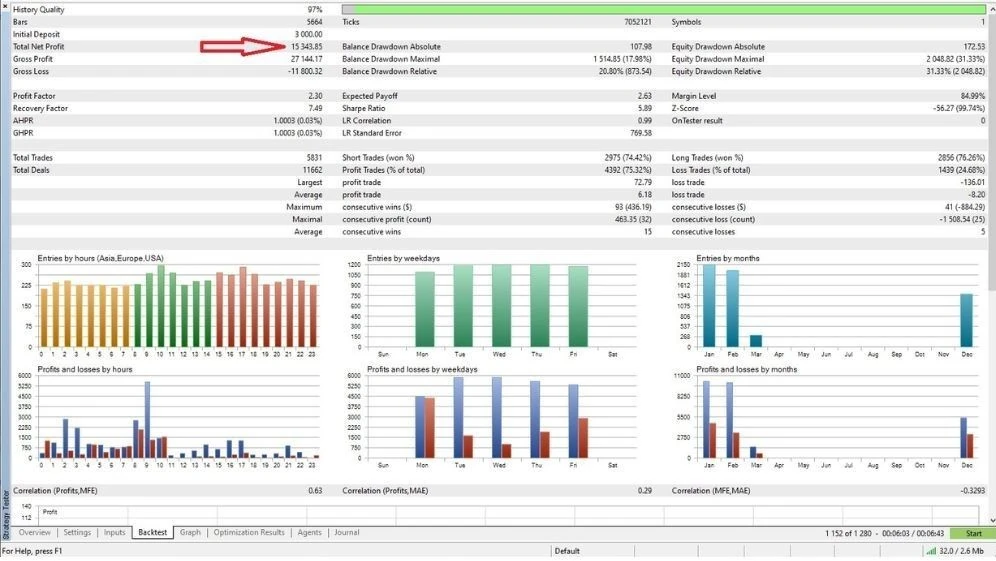
Extensively tested on the EURUSD and GBPUSD currency pairs within a 15-minute time frame, this EA employs a strategy centered around trading within specific price ranges. The approach incorporates the Chande Momentum Oscillator indicator, identifying optimal buying opportunities when the Chande falls.
Notably, the EA intelligently concludes all trades and halts auto-trading precisely before the weekend, at 12:00 GMT+3 on Fridays, showcasing a strategic approach to risk management and market conditions.
- Digital download Files are available in your account once payment is confirmed.
- Replacement guarantee Not working? We replace it with an equivalent product.
- Setup support Help by email or Telegram before and after you buy.
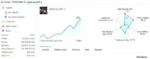
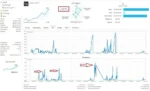
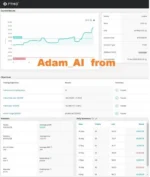
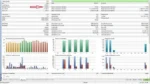
Trading involves risk of loss. Backtests and screenshots show past or simulated results, not future returns.
Guaranteed safe checkout









What is ADAM for FTMO 4 EA?
ADAM for FTMO 4 EA is an Expert Advisor meticulously crafted using ChatGPT technology. Specifically designed for compatibility with the MetaTrader 4 platform, it is finely tuned to collaborate seamlessly with FTMO and MFF prop firms. The EA exclusively focuses on trading with reputable prop firms, adhering to default parameters for a $100,000 challenge.
Extensively tested on the EURUSD and GBPUSD currency pairs within a 15-minute time frame, this EA employs a strategy centered around trading within specific price ranges. The approach incorporates the Chande Momentum Oscillator indicator, identifying optimal buying opportunities when the Chande falls.
Notably, the EA intelligently concludes all trades and halts auto-trading precisely before the weekend, at 12:00 GMT+3 on Fridays, showcasing a strategic approach to risk management and market conditions.
Vendor: https://www.mql5.com/en/signals/2120407
Features of ADAM for FTMO 4 EA
To engage in trading with ADAM for FTMO 4 EA, follow these key guidelines:
- Choose reputable and verified proprietary (PROP) firms for trading.
- Employ default parameters designed for the Challenge, set at $100,000.
- Conduct testing exclusively on the EURUSD and GBPUSD currency pairs.
- Opt for the 15-minute time frame when executing trading activities.
- Close all deals and activate auto-trading to conclude before the weekend, precisely at 12:00 GMT+3 on Fridays.
- For PROP firms, utilize a special Protector to enhance risk management and safeguard trading activities.
ADAM for FTMO 4 EA V5.25 MT4 Setting
When participating in the Challenge, it is recommended to customize the EA settings as follows:
- Change EA-NAME and Magic to suit your preferences.
- For a 25K account, set Max_LOT between 0.25 and 0.75.
- For a 50K account, adjust Max_LOT within the range of 0.5 and 1.5.
- For a 100K account, configure Max_LOT to fall between 1 and 3.
- For a 200K account, set Max_LOT between 2 and 6.
- For a 300K account, establish Max_LOT within the range of 3 and 9.
These customizations aim to optimize trading parameters based on the specific account size, promoting effective risk management during the Challenge.
Steps to Create a Successful FTMO Trading Bot:
Idea Generation:
- Brainstorm and gather ideas, indicators, strategies, and techniques for algorithmic trading.
Concept Selection and Coding: 2. Choose a concept that aligns with your trading goals and develop an Expert Advisor (EA) based on the chosen strategy.
- Code the EA to implement the selected trading concept.
Testing and Issue Resolution: 4. Conduct thorough testing of the EA to identify and address any bugs or issues.
Optimization: 5. Optimize the EA to ensure positive results over an extended period, refining parameters for better performance.
Iteration for Improvement: 6. If initial results are unsatisfactory, iterate through steps 1-4, testing and refining until a more promising approach is found.
Risk Management and Additional Features: 7. Implement effective risk management tools, additional functionalities, and manual rules to enhance the EA’s capabilities.
- Conduct extensive testing on a demo account to validate the risk management measures.
Refinement and Further Optimization: 9. Refine the EA by eliminating unnecessary components and conduct additional optimization for improved efficiency.
Demo Validation: 10. Validate the concept on a demo account to verify its effectiveness and observe its performance in real-time market conditions.
Transition to Real Trading: 11. Transition to live trading while continuing to refine manual rules, such as closing positions during high-risk periods like news events.
- Monitor and adjust the EA’s performance in real-time, making necessary refinements for sustained success in live trading.
ADAM for FTMO 4 EA Reviews
ADAM for FTMO 4 EA V5.25 MT4 Download
Link download ADAM for FTMO 4 EA V5.25 MT4 will be sent to your email after payment.
+ Expert :
- ADAM for FTMO 4 EA V5.25 MT4
- Unlimited / NoDLL
For Challenge please Change EA-NAME and Magic !!!
For 25K Account use Max_LOT = 0.25-0.75
For 50K Account use Max_LOT = 0.5-1.5
For 100K Account use Max_LOT = 1-3
For 200K Account use Max_LOT = 2-6
For 300K Account use Max_LOT = 3-9
Shopping Guide and Important Information:
Please read and agree to our terms and conditions and policies before ordering.
Check EA on Demo Account:
- The product does not guarantee profits and demands resilience, patience, and a positive attitude in forex trading.
- Before use, please test the EA on a demo account first.
- Profits are not guaranteed, and for success, risk management, emotional control, and a steadfast attitude are crucial.
Shipping and Delievery:
The product download link will be sent to your email ASAP. No physical products will be sent to your home.
- 95% EAs is instant delivery:
- The download link will be sent to your email within 5 minutes after the order is confirmed.
- 5% Need to wait a bit to receive:
- Some EAs will need to wait a few hours to up to 12 hours to receive the download link.
Thank you for visiting and shopping!
Delivery
- This is a digital product: nothing is shipped.
- Once your payment is confirmed, the files are available under My Account → Downloads and in your order email.
- The platform (MT4 / MT5), build and included files (setfiles, source code) are stated in the product title and description.
Refunds & replacements
- If a product does not work, we replace it with an equivalent product from our store.
- We do not refund because of trading results: profits and risks are yours.
- Membership packages are non-refundable.
Support
Email [email protected] or chat with us on Telegram.
EA Quick Information
- Platform
- MT4
- Build
- 1420+
- Setfiles
- Not included
Our Latest Product









Reviews
There are no reviews yet.