
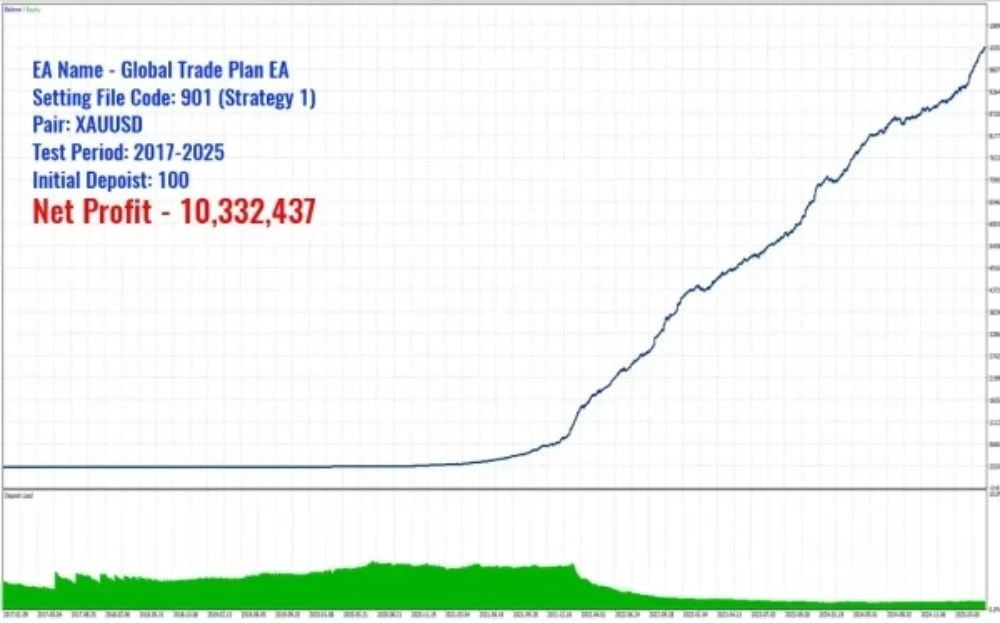

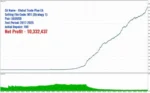
EA Quick Information
- Platform
- MT5
- Build
- 6140+
- Setfiles
- Included
- Symbols
- XAUUSD (Gold)
- Timeframe
- H1
- Min. deposit
- $100
- Leverage
- 1:100 or higher
- Updates
- Free for 1 year
Our Latest Product



GLOBAL TRADE PLAN EA MT5 V3.1 + SETFILES BUILD 6140+
$37.00
One-time payment · Digital download
Requires MT5 build 6140+ · Min. deposit $100 · Leverage 1:100 or higher
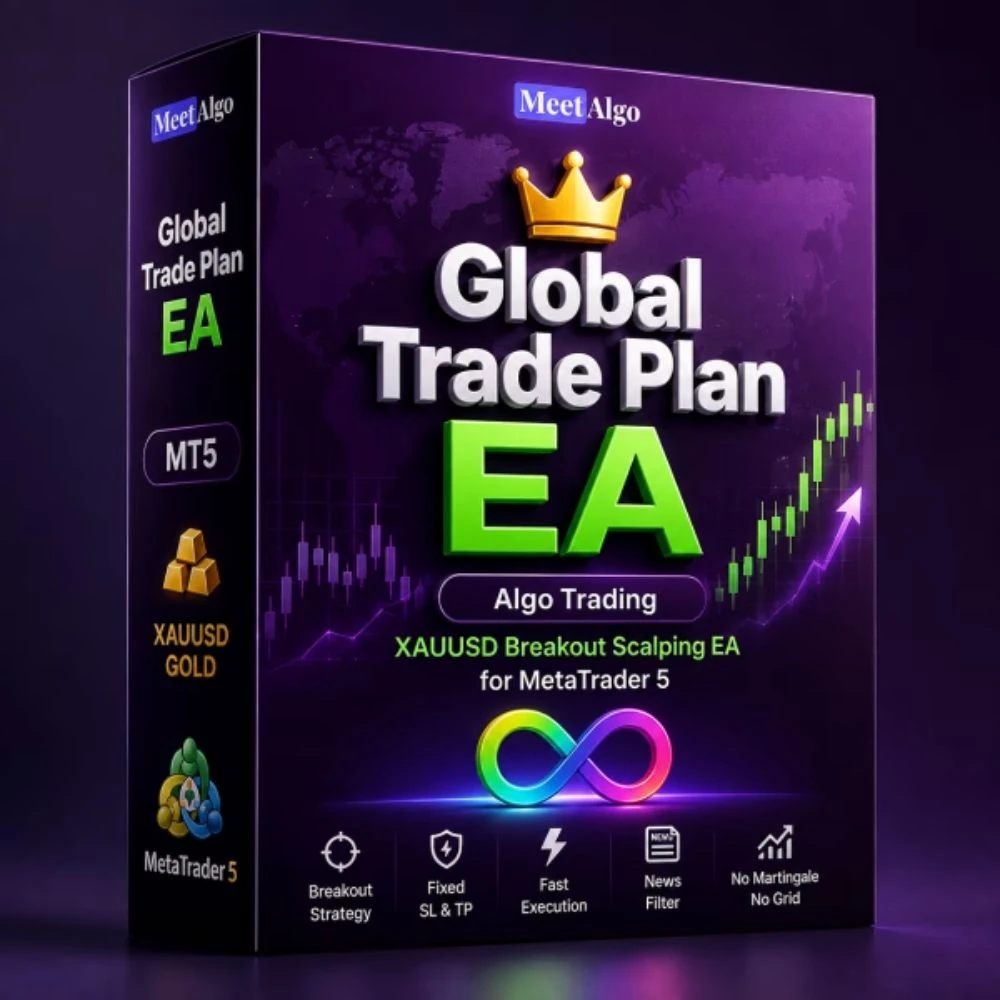
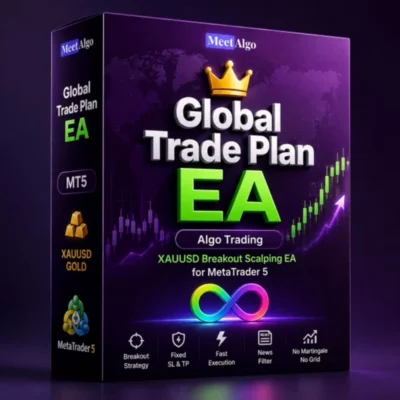
GLOBAL TRADE PLAN EA is an automated MetaTrader 5 (MT5) Expert Advisor for XAUUSD (Gold) trading, with source-provided setup information for traders to review before testing.
- Digital download Files are available in your account once payment is confirmed.
- Replacement guarantee Not working? We replace it with an equivalent product.
- Setup support Help by email or Telegram before and after you buy.
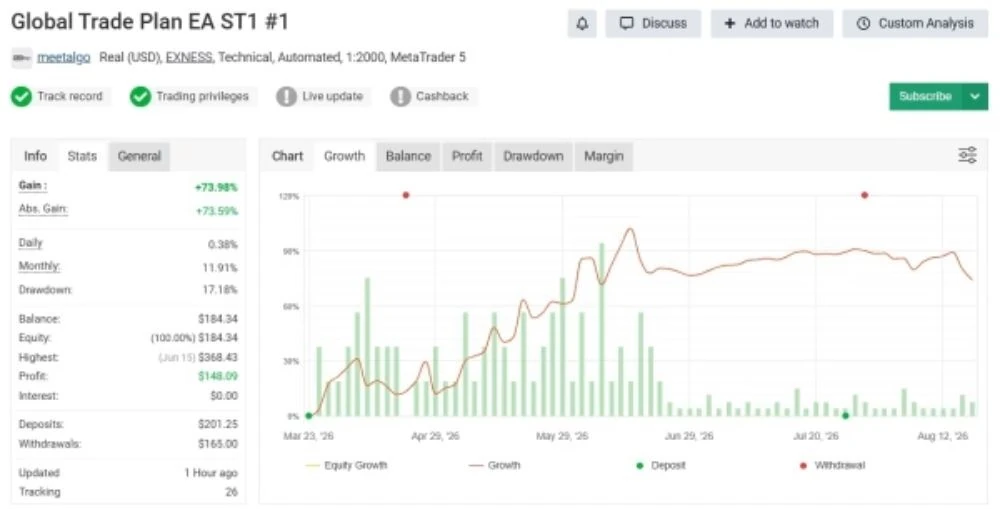
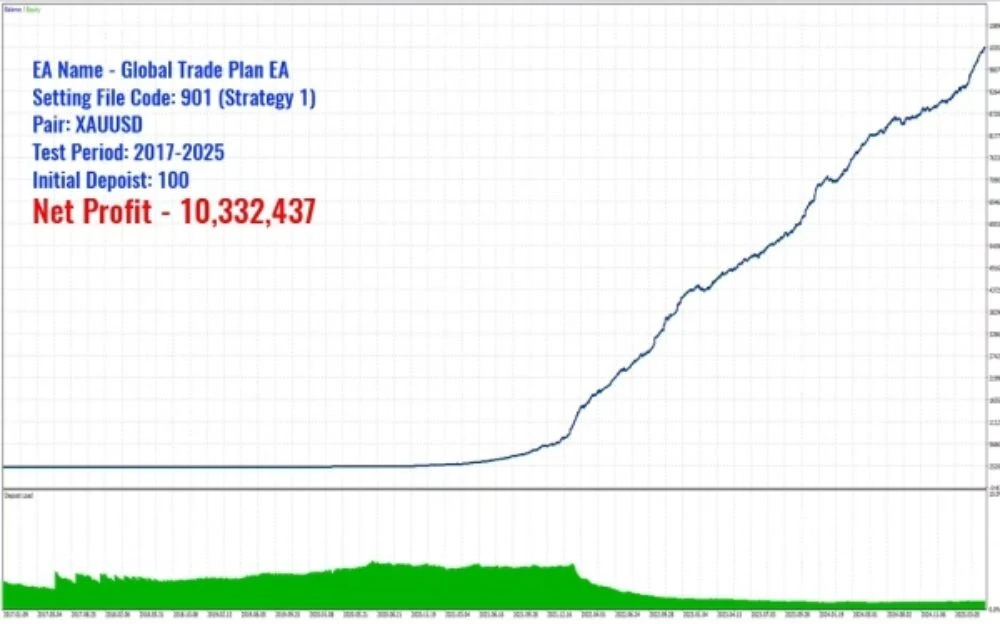
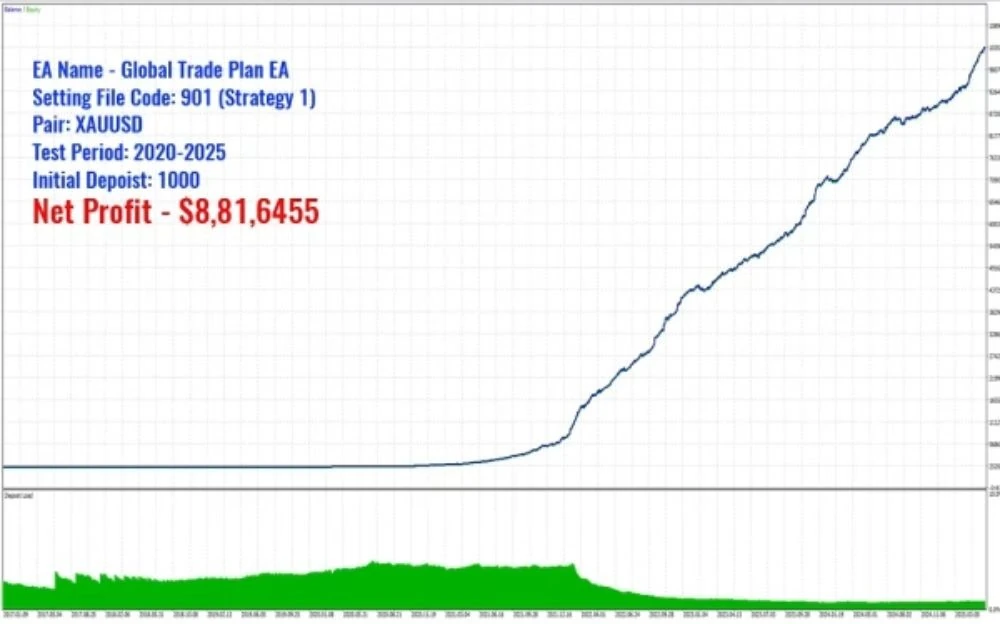
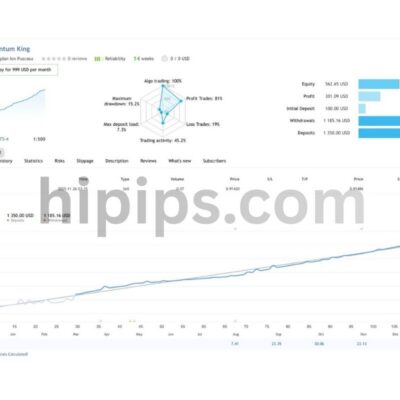
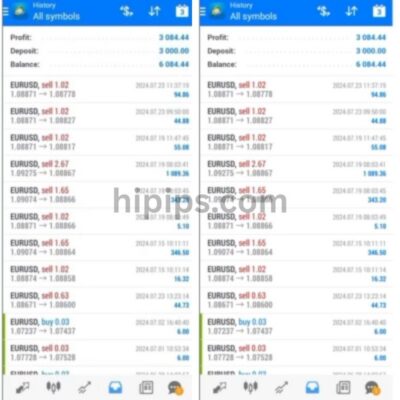
Trading involves risk of loss. Backtests and screenshots show past or simulated results, not future returns.
Guaranteed safe checkout









WHAT IS GLOBAL TRADE PLAN EA?
GLOBAL TRADE PLAN EA is an automated MetaTrader 5 (MT5) Expert Advisor created for XAUUSD (Gold) trading. The source product information focuses on platform compatibility, account requirements, broker conditions, and operating setup so traders can review the EA clearly before testing.
Key Takeaways
- Platform focus: Built for MetaTrader 5 (MT5).
- Market focus: Designed around XAUUSD (Gold).
- Timeframe guidance: H1.
- Account guidance: $100.
GLOBAL TRADE PLAN EA Features
- Trading Platform: MetaTrader 5 (MT5)
- Timeframe: H1
- Trading Symbol: XAUUSD (Gold)
- Minimum Deposit: $100
- Recommended Leverage: 1:100 or higher
- Broker Type: ECN or RAW Spread Broker
- XAUUSD Spread: Below 15 points
- VPS Latency: Below 4 ms
- Stop Level: 0 points or minimal
- Setfiles: Included
GLOBAL TRADE PLAN EA Review
INSTRUCTIONS FOR INSTALLING EA
Open MT5, go to Tools > Options or Ctrl+O. Click Expert Advisors tab. Ensure Allow algorithmic trading and Allow DLL imports are enabled.
GLOBAL TRADE PLAN EA Download
Link download GLOBAL TRADE PLAN EA will be sent to your email after payment.
+ Expert :
- GLOBAL TRADE PLAN EA.ex5
- Unlimited / Setfile
- Free updates for one year
Delivery
- This is a digital product: nothing is shipped.
- Once your payment is confirmed, the files are available under My Account → Downloads and in your order email.
- The platform (MT4 / MT5), build and included files (setfiles, source code) are stated in the product title and description.
Refunds & replacements
- If a product does not work, we replace it with an equivalent product from our store.
- We do not refund because of trading results: profits and risks are yours.
- Membership packages are non-refundable.
Support
Email [email protected] or chat with us on Telegram.
EA Quick Information
- Platform
- MT5
- Build
- 6140+
- Setfiles
- Included
- Symbols
- XAUUSD (Gold)
- Timeframe
- H1
- Min. deposit
- $100
- Leverage
- 1:100 or higher
- Updates
- Free for 1 year
Our Latest Product







Reviews
There are no reviews yet.