
EA Quick Information
- Platform
- MT4
- Build
- 1444+
- Setfiles
- Not included
- Updates
- Free for 1 year
Our Latest Product


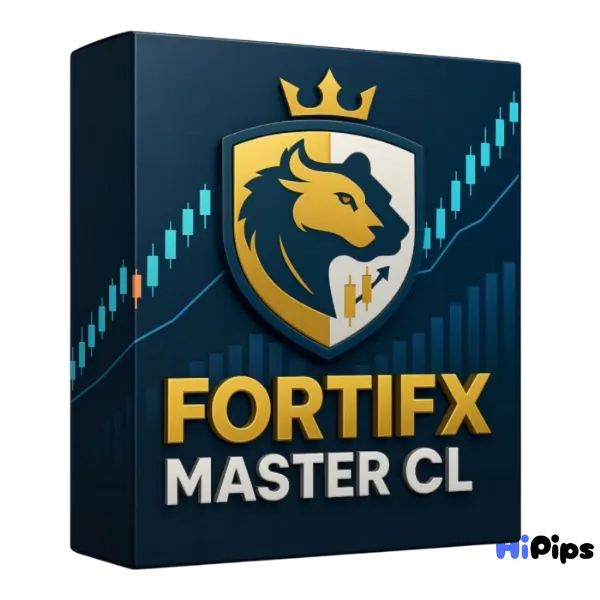
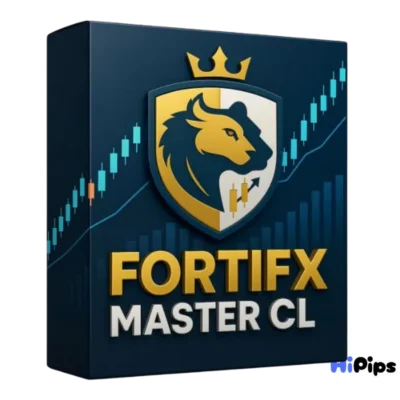
FortiFx Master CL EA MT4 BUILD 1444+
$14.99
One-time payment · Digital download
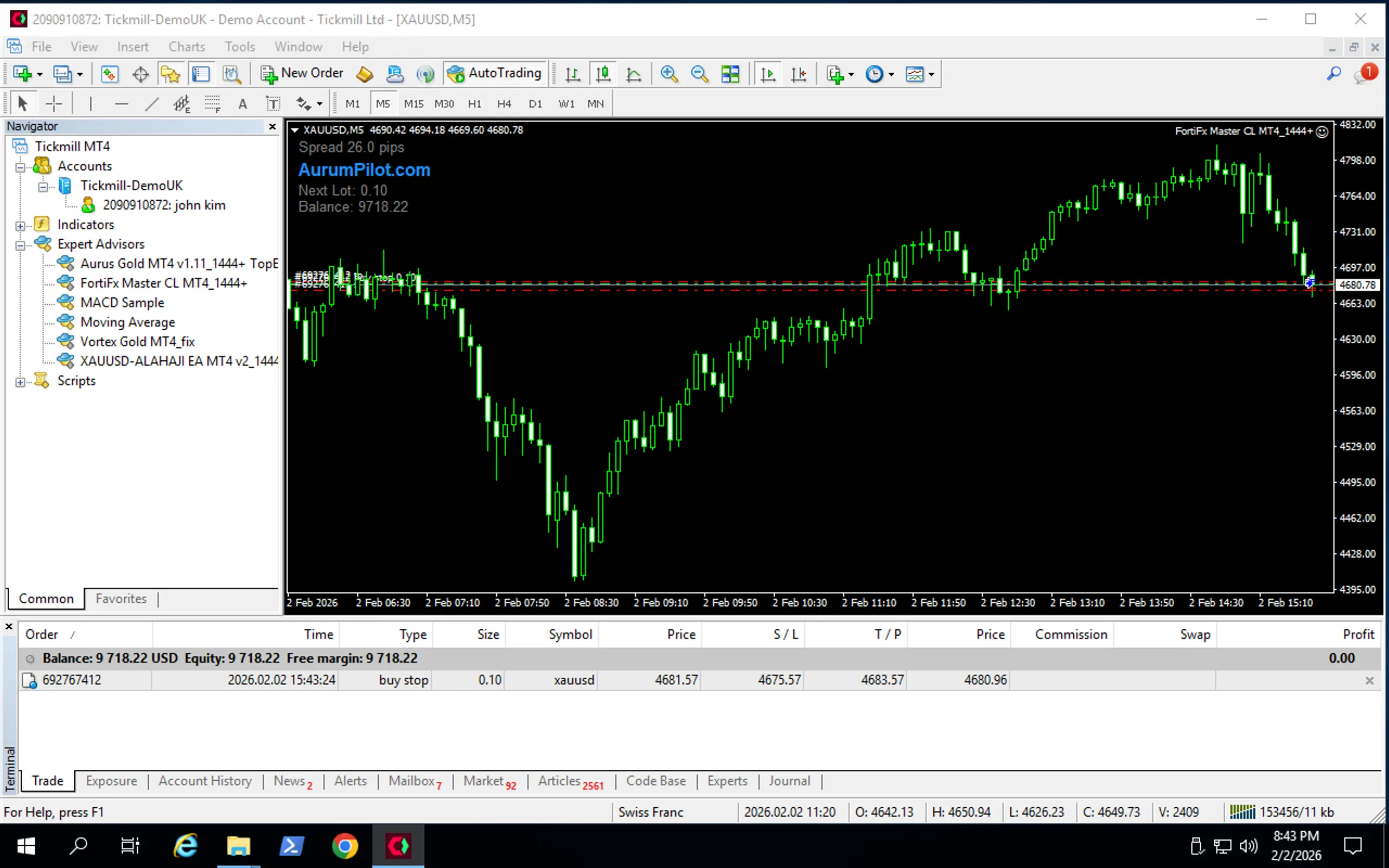
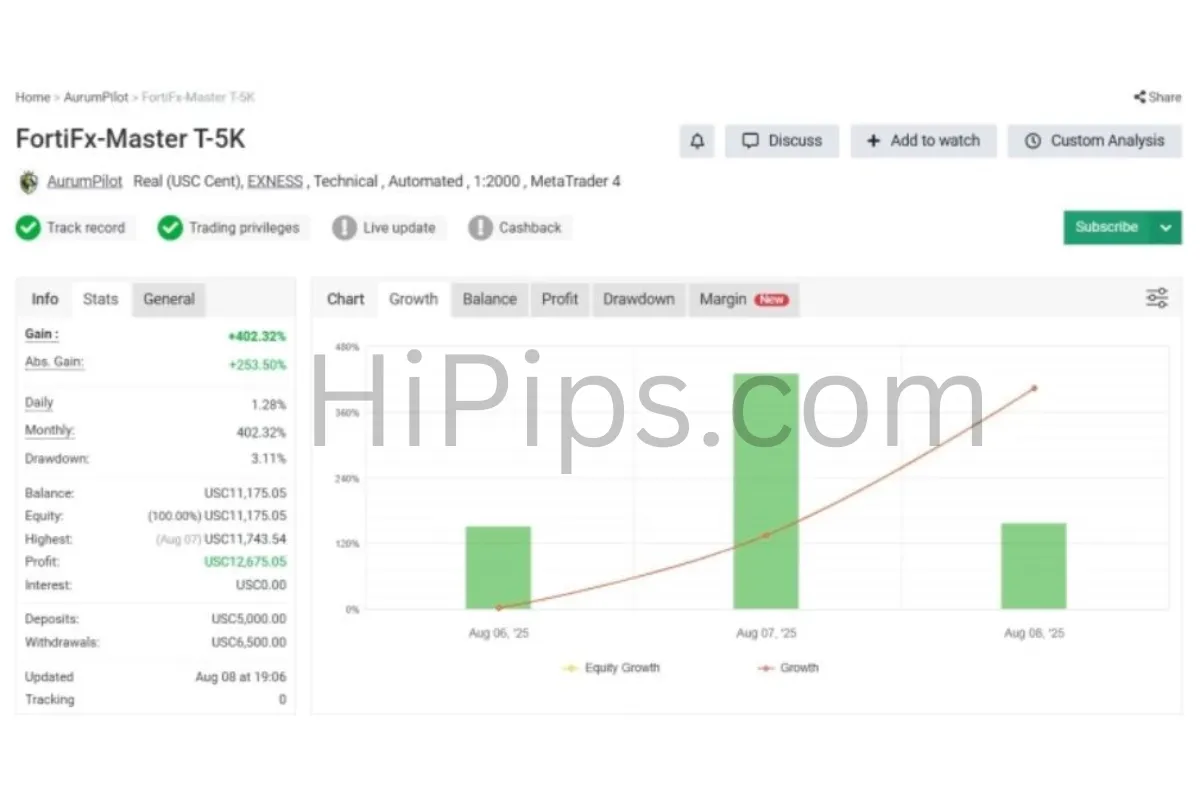
FortiFx Master CL EA MT4 is an automated trading system developed for XAUUSD on the M5 chart, characterized by stable execution and a clear logic focusing on trend momentum and price action. Starting from $200, this EA is fully optimized for the latest terminal updates to ensure seamless performance and compatibility with modern broker servers. As a completely autonomous trading robot, it manages the entire lifecycle of every position to provide traders with stable, low-risk results and consistent output in high-speed market conditions.
- Digital download Files are available in your account once payment is confirmed.
- Replacement guarantee Not working? We replace it with an equivalent product.
- Setup support Help by email or Telegram before and after you buy.
Trading involves risk of loss. Backtests and screenshots show past or simulated results, not future returns.
Guaranteed safe checkout









FortiFx Master CL EA MT4 is an automated trading system developed for XAUUSD on the M5 chart, characterized by stable execution and a clear logic focusing on trend momentum and price action. Starting from $200, this EA is fully optimized for the latest terminal updates to ensure seamless performance and compatibility with modern broker servers. As a completely autonomous trading robot, it manages the entire lifecycle of every position to provide traders with stable, low-risk results and consistent output in high-speed market conditions.

Original Price: $500
Hipips Price: $14.99
Key Takeaways
- Focused on XAUUSD (Gold): Created exclusively for gold trading, delivering steady and reliable operation.
- Low-Risk Strategy: This strategy applies selective entry logic, controlled sizing, and a strict filter in place to keep drawdowns small while catching solid setups in the market.
- Built for Fast-Market Conditions: The tool adjusts its actions to rapid price movements; its backbone is long-term research and data directly from the real market.
FortiFx Master CL EA MT4 Review
Installation Guide
Step-by-Step Installation Guide
1.Get the EA Files: Download the Expert Advisor package, which should contain an .ex5 file and potentially a .dll file. Unzip the package if it’s in a .zip format.
2.Open MT5 Data Folder: Launch MetaTrader 5, go to File > Open Data Folder, and a file explorer window will open.
3.Copy EA File: Navigate to the MQL5 folder, then open the Experts folder and paste your .ex5 file here.
4.Copy DLL File (If Applicable): If your EA package includes a .dll file, paste it into the MQL5 > Libraries folder.
5.Restart MT5: Close and reopen the MetaTrader 5 platform to refresh the file system.
6.Find in Navigator: In MT5, open the Navigator window (Ctrl+N) and expand the Expert Advisors section; your EA should now appear.
7.Attach to Chart: Drag the EA onto the desired currency pair chart.
8.Configure Settings: In the pop-up window:
Go to the Inputstab and verify settings like risk levels.
Check the boxes for Allow Modification of Signal Settingsand Allow Algo Trading.
9.Enable AutoTrading: Click the main AutoTrading button on the MT5 toolbar to turn it green, allowing the EA to run.
Product Download Package?
Expert :
- FORTIFX MASTER.ex4
- Unlimited / NoDLL
- Free updates for one year
FAQs
What is the minimum balance required to run this EA?
Most users find success starting with a capital of at least 200 dollars to allow for proper risk management and margin usage within the terminal. This balance provides enough flexibility for the algorithmic strategy to manage trades effectively during periods of market volatility.
Is this software compatible with all MT4 brokers?
Yes, the system works with any brokerage that supports the MetaTrader 4 platform and offers the required trading symbols for your chosen strategy. It is specifically optimized for build 1444 and later to ensure maximum compatibility with modern server environments.
Do I need prior experience with coding to use it?
No technical or programming knowledge is necessary because the software comes as a ready to use file with optimized settings already included in the package. You simply need to attach the expert advisor to your chart and it will begin analyzing market data automatically.
How does the news filter help protect my account?
The system includes an intelligent feature that can pause trading activities during major economic announcements to avoid high volatility and unpredictable price gaps. This protection ensures that your capital remains safe during times of extreme market uncertainty or significant global events.
Delivery
- This is a digital product: nothing is shipped.
- Once your payment is confirmed, the files are available under My Account → Downloads and in your order email.
- The platform (MT4 / MT5), build and included files (setfiles, source code) are stated in the product title and description.
Refunds & replacements
- If a product does not work, we replace it with an equivalent product from our store.
- We do not refund because of trading results: profits and risks are yours.
- Membership packages are non-refundable.
Support
Email [email protected] or chat with us on Telegram.
EA Quick Information
- Platform
- MT4
- Build
- 1444+
- Setfiles
- Not included
- Updates
- Free for 1 year
Our Latest Product







Reviews
There are no reviews yet.