
Gold X9 EA MT5 V6.2: XAUUSD M30 Setup and Risk Checklist

Quick answer: Gold X9 EA MT5 V6.2 is listed on HiPips as an automated XAUUSD Expert Advisor for the M30 chart. Its product description says it combines nine strategy modules, adjustable lot sizing, a news filter, trailing stops and drawdown controls. Before live trading, confirm the MT5 build, inspect every risk input, check your broker’s gold specification and run a repeatable demo test.
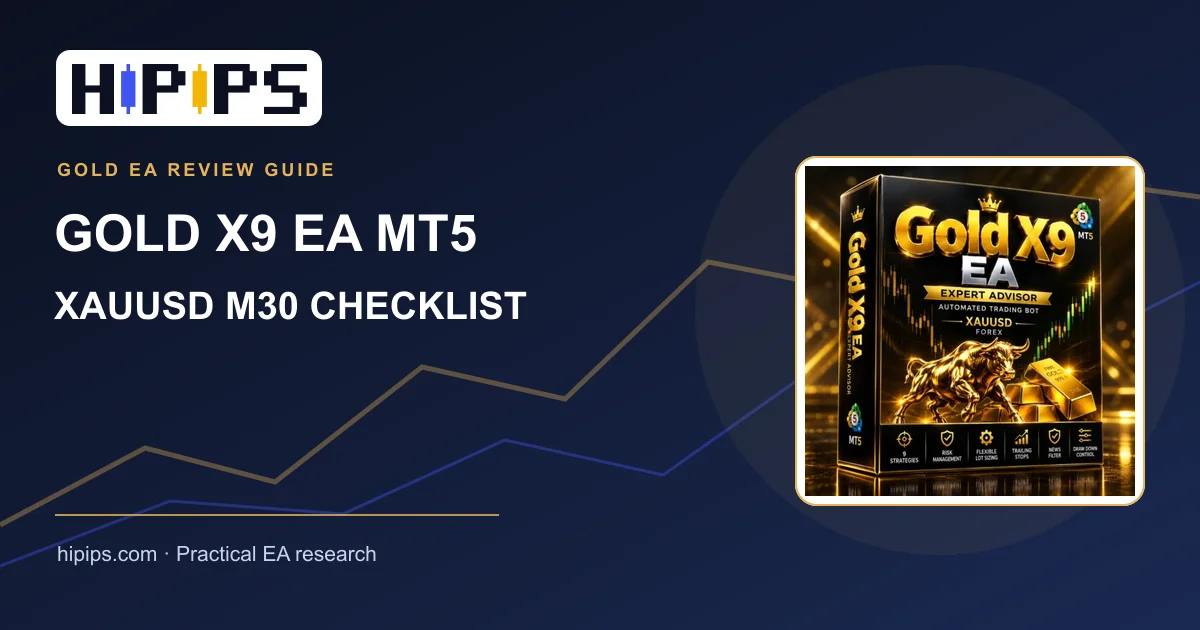
Gold X9 EA MT5 V6.2 at a glance
The Gold X9 EA MT5 product listing specifies MetaTrader 5, XAUUSD, the M30 timeframe and build 6258 or later. It lists an EX5 file and describes nine independent strategies in one EA. The listing also mentions an economic news filter and configurable drawdown limits. These are advertised features, not verified evidence of returns or a guarantee that each broker will produce the same trades.
| Question | What to check before buying or running |
|---|---|
| Platform and file | Confirm your terminal is MT5 build 6258+ and the supplied EX5 loads without errors. |
| Chart and symbol | Use M30 and match XAUUSD to the broker’s actual Gold symbol, including suffixes. |
| Risk controls | Locate lot sizing, maximum exposure and drawdown inputs; test how each behaves. |
| News filter | Check whether it needs an external data source, terminal permissions or a specific time zone. |
| Trading costs | Record Gold spread, commission, swap, stop level and execution quality. |
How to prepare a Gold X9 M30 test
- Check the broker symbol. Open the MT5 contract specification for XAUUSD or GOLD. Note contract size, minimum lot, lot step, tick value, stop level and trading hours. The XAUUSD broker requirements guide explains why a symbol mismatch can change EA behavior.
- Confirm the file loads. Put the EX5 in the correct Experts folder, restart or refresh Navigator, attach it to one M30 chart and enable algorithmic trading. Watch the Experts and Journal logs for missing permissions or initialization errors.
- Record default inputs. Save the untouched settings first. Then identify which options control each strategy module, lot size, maximum concurrent trades, trailing stop, news window and drawdown threshold. The product description does not establish the safest settings for your account.
- Backtest realistically. Use the intended broker symbol and available tick data, include spread and commission, and inspect both balance and equity drawdown. Repeat with wider trading costs to see whether the outcome is fragile.
- Forward-test on demo. Run the exact settings on the same broker for a meaningful sample of trades. Note execution differences and how the news filter and trailing stops behave when MT5 remains online.
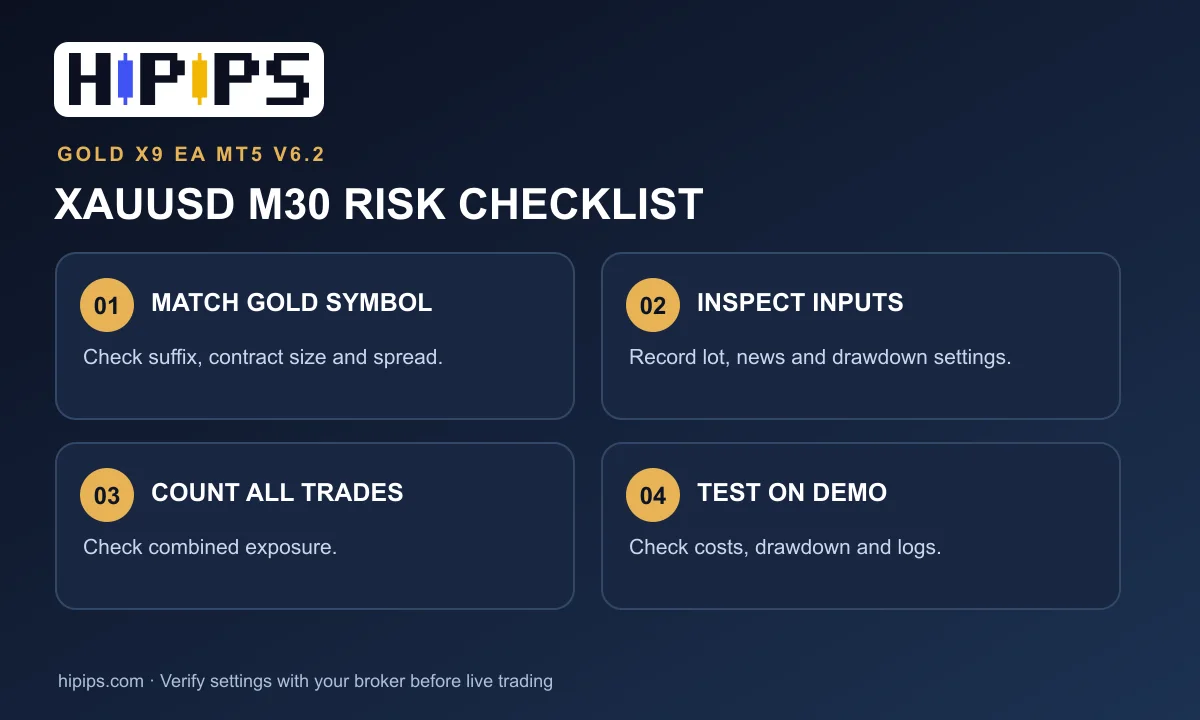
What risk does a nine-strategy Gold EA create?
Nine modules can generate different entry conditions, but they may also increase total exposure if several positions overlap. Count open trades across the whole account rather than judging each strategy separately. A low individual lot can still become too large when multiple positions are active. Set a maximum account loss you can tolerate, then calculate the combined position size and margin needed in a stressed scenario. The HiPips guide to lot size and drawdown gives the risk terms to inspect.
The listing mentions a $200 minimum deposit and leverage of 1:100 or higher. Treat these as listing specifications, not a recommendation to fund an account with $200. The broker’s minimum lot, gold contract size, margin and maximum possible open positions determine whether the account is large enough for your chosen settings.
How should you judge Gold X9 results?
Do not use a product image or one optimized backtest as proof of live performance. Compare the test period, symbol, spread, commission, trade count, maximum equity drawdown and consecutive losses. Keep a separate out-of-sample window and a demo forward test. A result that only works with one narrow spread or one exact date range may not survive changing market conditions. For the testing process, see MT5 EA optimization and forward testing.
Gold X9 EA pre-live checklist
- MT5 build, XAUUSD symbol and M30 chart match the listing.
- The EX5 initializes and logs show no trading or permission errors.
- Every lot, exposure, news and drawdown input has been documented.
- Gold spread, contract size and minimum stop distance have been checked at the intended broker.
- Backtest and demo results have been reviewed for drawdown and realistic costs.
- Account-level loss limits have been set before any live test.
Next step: check the current package, screenshots and price on the Gold X9 EA MT5 V6.2 product page. For a broader way to compare gold robots, see the HiPips XAUUSD EA MT5 hub. Trading involves loss risk; historical or simulated results do not predict future returns.










