



Our Latest Product




HARMONIZER EA MT5 V3.3 BUILD 6320+
$14.99
One-time payment · Digital download
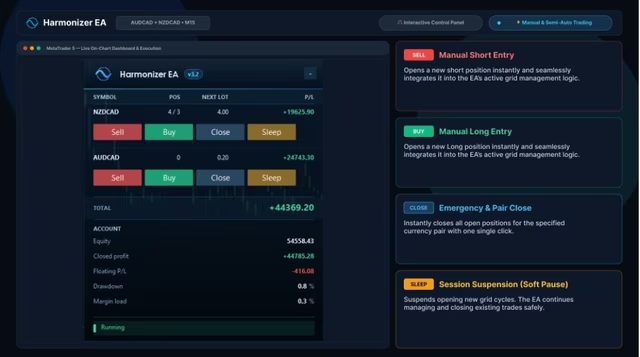
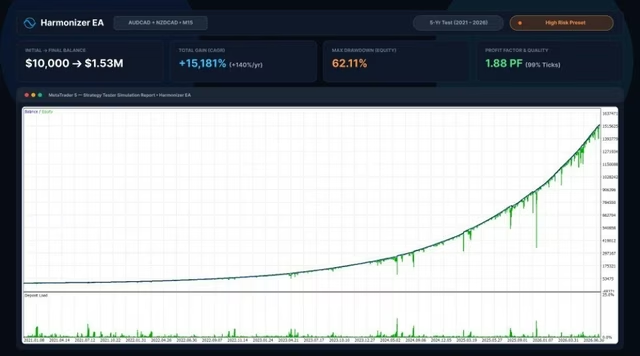
Harmonizer EA is an adaptive MetaTrader 5 grid trading tool for AUDCAD and NZDCAD on M15. It adjusts entries to current volatility and includes risk and performance controls.
- Digital download Files are available in your account once payment is confirmed.
- Replacement guarantee Not working? We replace it with an equivalent product.
- Setup support Help by email or Telegram before and after you buy.
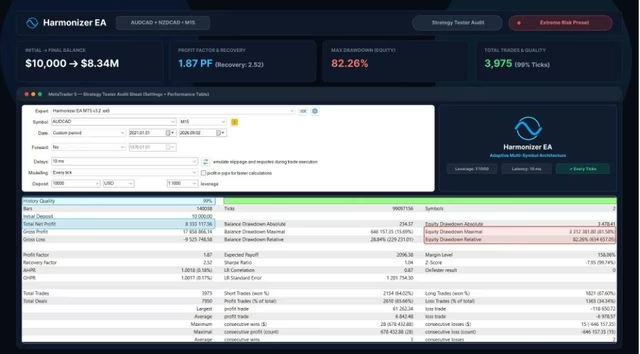
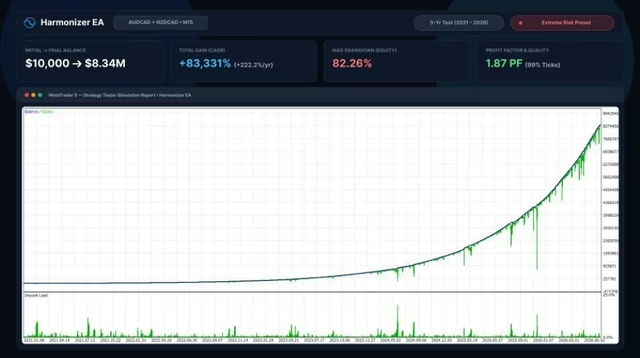
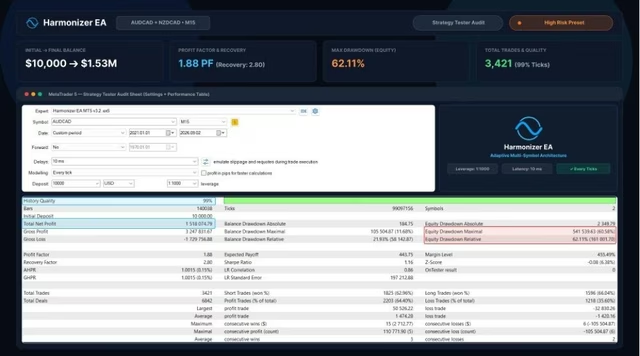
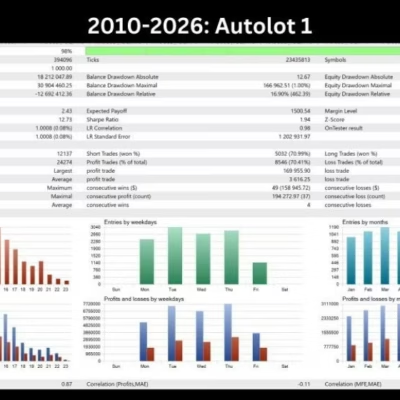
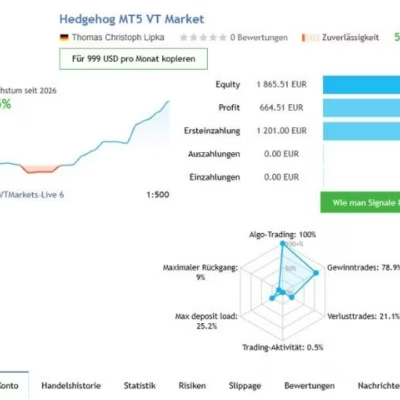
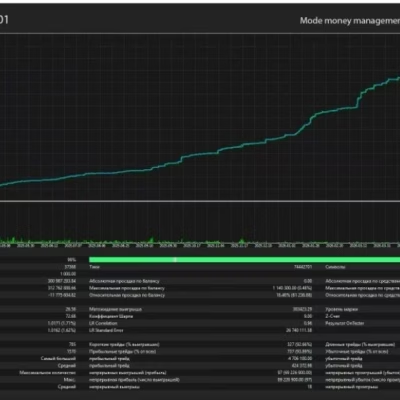
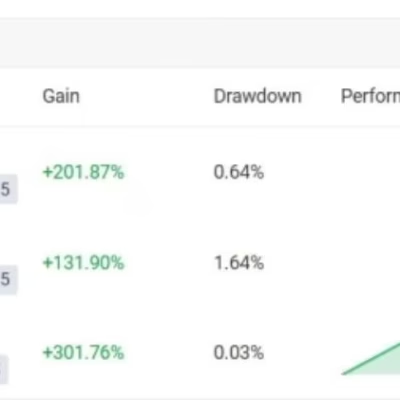
Trading involves risk of loss. Backtests and screenshots show past or simulated results, not future returns.
Guaranteed safe checkout









INTRODUCING HARMONIZER EA
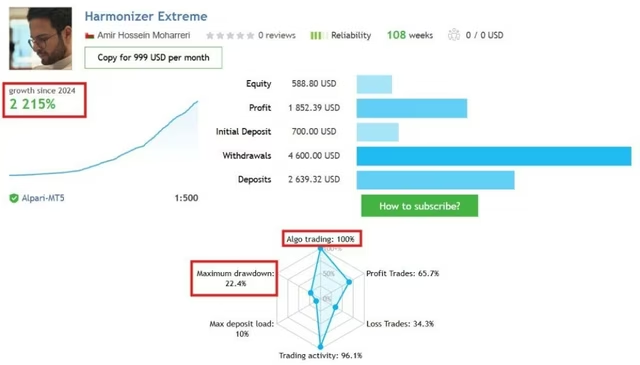
Harmonizer EA is an intelligent grid trading tool that applies a dynamic algorithm to calculate optimal entry positions for each individual trade. Rather than relying on historical data fitting, it adapts its calculations based on current market volatility. This approach allows the EA to respond efficiently to changing market conditions, identify potential trading opportunities, and manage risk within predefined parameters.
Vendor website: https://www.mql5.com/en/market/product/96759
HiPips.com Price: $14.99
Key Takeaways
- Flexible Multi-Symbol Trading: Supports multiple trading symbols with a simple one-chart setup, offering flexibility across different markets.
- Smart Risk & Performance Management: Focuses on capital preservation through adaptive algorithms, news filtering for live trading and backtesting, and real-time performance monitoring.
- Reliable Support & Adaptability: Avoids historical data overfitting, operates across a wide range of symbols, and includes dedicated developer support.
HARMONIZER EA Features
- Platform: MetaTrader 5 (MT5)
- Time Frame: M15 (15-minute chart)
- Currency Pairs: AUDCAD, NZDCAD (AUDNZD optional)
- Minimum Capital: $500 recommended
- Leverage: 1:200 or higher
- Account Type: Hedging account
- Broker: ECN account recommended; spread sensitivity is low
- VPS: 24/7 operation recommended for uninterrupted trading
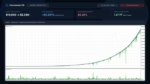
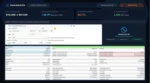
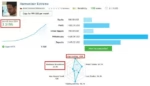
HARMONIZER EA Review
INSTRUCTIONS FOR INSTALLING EA
Open MT5, go to “Tools” > “Options” (or Ctrl+O). Select the “Expert Advisors” tab and enable “Allow automated trading”. If the EA requires DLL imports, enable that option as well.
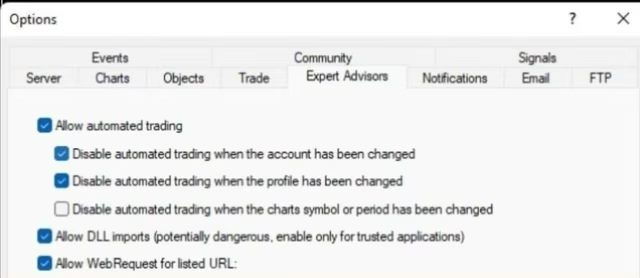
HARMONIZER EA Download
The download instructions will be available in your account after payment.
Included Expert Advisor:
- HARMONIZER EA.ex5
- Unlimited version / no DLL required
- Free updates for one year
PAYMENT
Choose an available payment method at checkout. Contact HiPips support if you need help with payment.
Delivery
- This is a digital product: nothing is shipped.
- Once your payment is confirmed, the files are available under My Account → Downloads and in your order email.
- The platform (MT4 / MT5), build and included files (setfiles, source code) are stated in the product title and description.
Refunds & replacements
- If a product does not work, we replace it with an equivalent product from our store.
- We do not refund because of trading results: profits and risks are yours.
- Membership packages are non-refundable.
Support
Email [email protected] or chat with us on Telegram.
Our Latest Product







Reviews
There are no reviews yet.