


Our Latest Product




KYORA MT5 BUILD 6320+
$14.99
One-time payment · Digital download
KYORA is a USDJPY breakout Expert Advisor for MetaTrader 5 on H1, with two selectable setups, independent buy and sell lot sizing, risk protection and economic news filters.
- Digital download Files are available in your account once payment is confirmed.
- Replacement guarantee Not working? We replace it with an equivalent product.
- Setup support Help by email or Telegram before and after you buy.
Trading involves risk of loss. Backtests and screenshots show past or simulated results, not future returns.
Guaranteed safe checkout









INTRODUCING KYORA
Kyora is a USDJPY breakout Expert Advisor that integrates multiple trading strategies into one EA, featuring two selectable setups, independent BUY and SELL lot sizing, optional risk protection and economic news filters. All strategies run on a single USDJPY chart, using Buy Stop and Sell Stop pending orders at predefined breakout levels, each with its own Stop Loss, Take Profit, break-even and trailing-stop management. Kyora operates without grid averaging or martingale lot progression.
Vendor website: https://www.mql5.com/en/market/product/200056
HiPips.com Price: $14.99
Key Takeaways
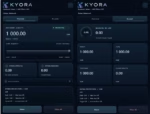
- Flexible Lot Sizing: Fixed or Auto Lot options, independent BUY/SELL settings, and automated SL, TP and position management.
- Risk Protection: Spread and margin filters, daily and cycle loss limits, profit targets, and account-equity emergency stop.
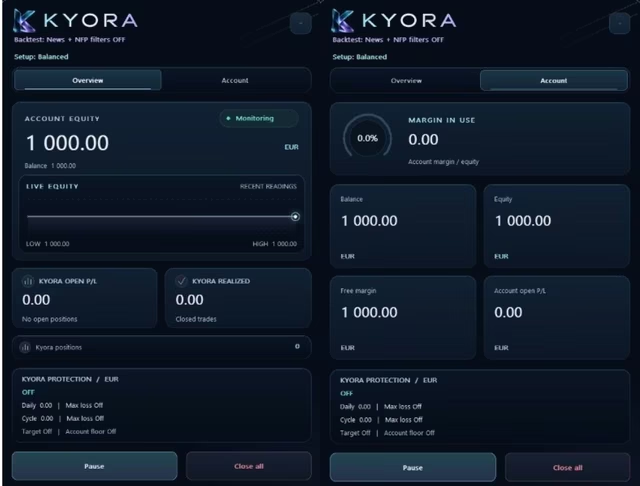
- News Filters & Dashboard: Economic news and NFP filters with customizable actions, plus a live dashboard displaying trading status, exposure, results and protection settings.
KYORA Features
- Trading Platform: MetaTrader 5 (MT5)
- Timeframe: H1
- Currency Pair: USDJPY, including broker-specific prefixes or suffixes
- Minimum Deposit: $500
- Instance Setup: One active instance per symbol and Magic Number
- Account Size: Match deposit and lot size to the selected setup and margin requirements
- Execution: Low spreads and stable execution recommended
- VPS: Stable VPS recommended for uninterrupted trading and management
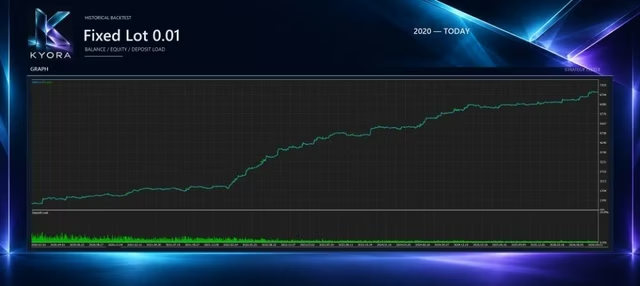
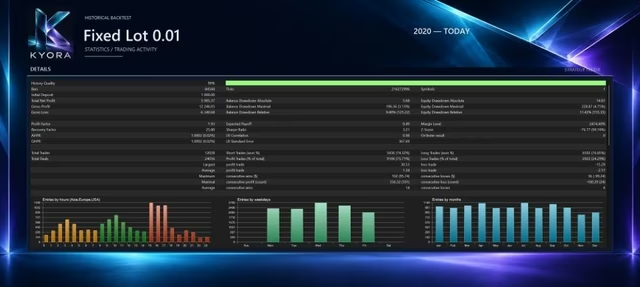
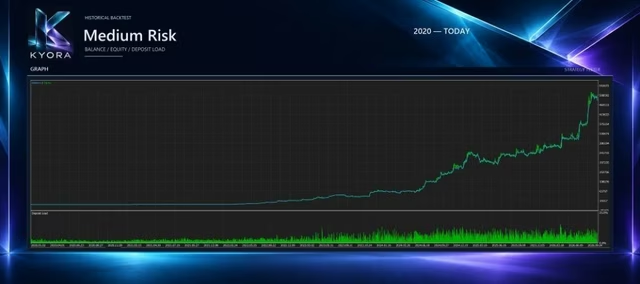
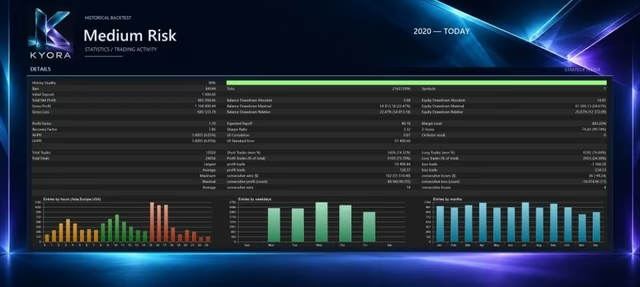
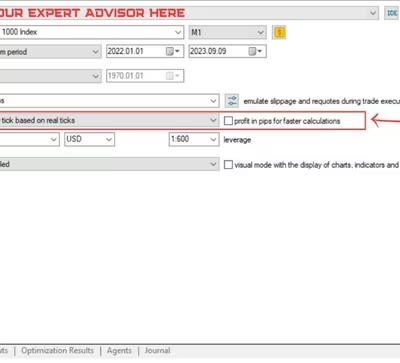
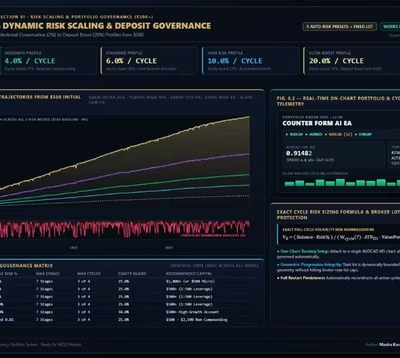
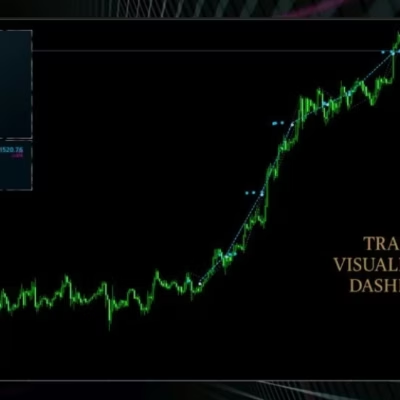
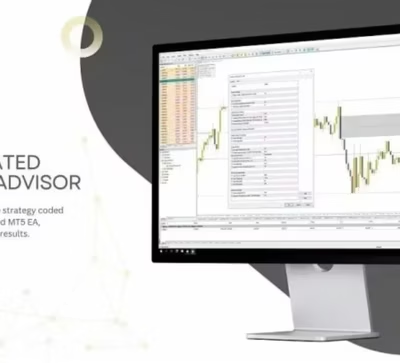
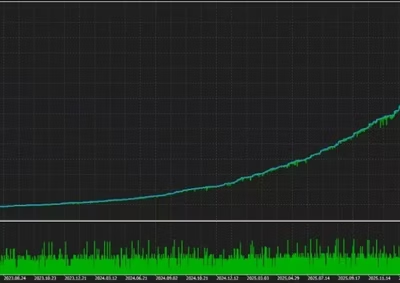
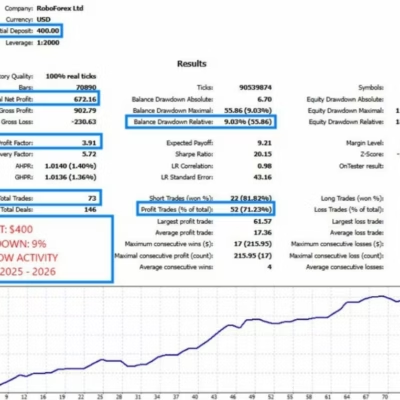
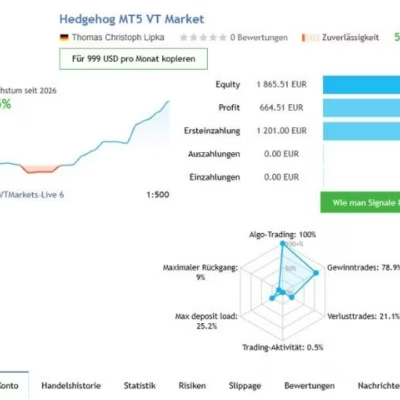
KYORA Review
INSTRUCTIONS FOR INSTALLING EA
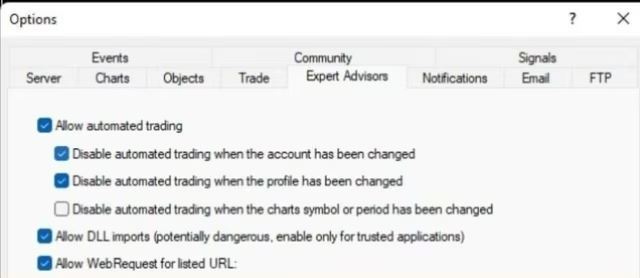
Open MT5, go to “Tools” > “Options” (or Ctrl+O). Select the “Expert Advisors” tab and enable “Allow automated trading”. If the EA requires DLL imports, enable that option as well.
KYORA Download
The download instructions will be available in your account after payment.
Included Expert Advisor:
- KYORA.ex5
- Unlimited version / no DLL required
- Free updates for one year
PAYMENT
Choose an available payment method at checkout. Contact HiPips support if you need help with payment.
Delivery
- This is a digital product: nothing is shipped.
- Once your payment is confirmed, the files are available under My Account → Downloads and in your order email.
- The platform (MT4 / MT5), build and included files (setfiles, source code) are stated in the product title and description.
Refunds & replacements
- If a product does not work, we replace it with an equivalent product from our store.
- We do not refund because of trading results: profits and risks are yours.
- Membership packages are non-refundable.
Support
Email [email protected] or chat with us on Telegram.
Our Latest Product







Reviews
There are no reviews yet.