
XAUUSD EA SetFiles Download Guide: How to Use Presets Without Over-Risking

A clear guide to using XAUUSD EA setfiles as presets while still checking spread, timeframe, lot size and drawdown behavior.
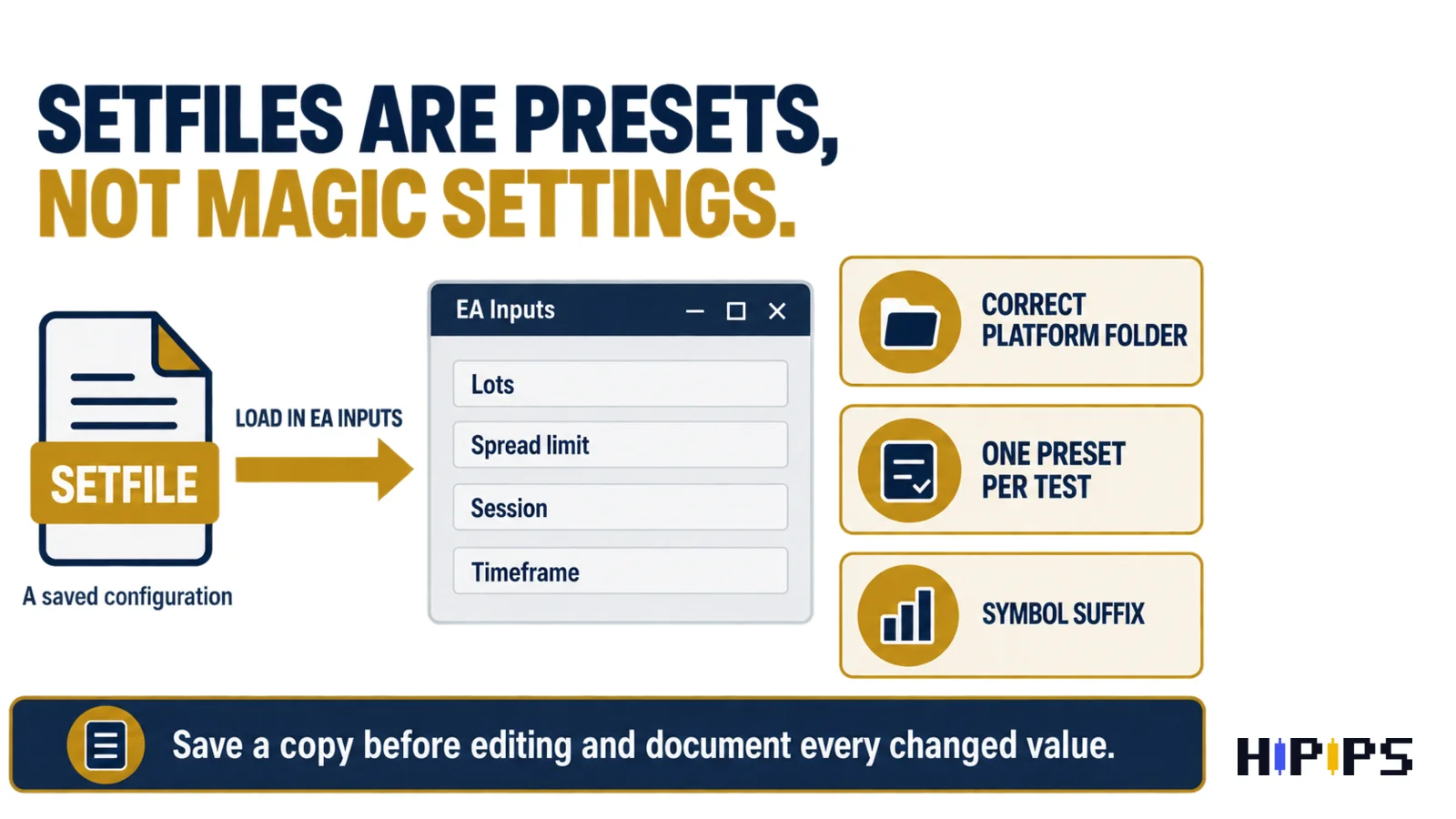
Setfiles are not magic settings
A setfile is a saved configuration. It helps repeat a setup, but it cannot guarantee identical results on every broker or account.
- Correct platform folder
- One preset per test
- Symbol suffix
Load presets in a controlled order
Use one symbol, one timeframe and one preset first. When you change several inputs together, it becomes hard to know what improved or worsened the test.
- Correct platform folder
- One preset per test
- Symbol suffix
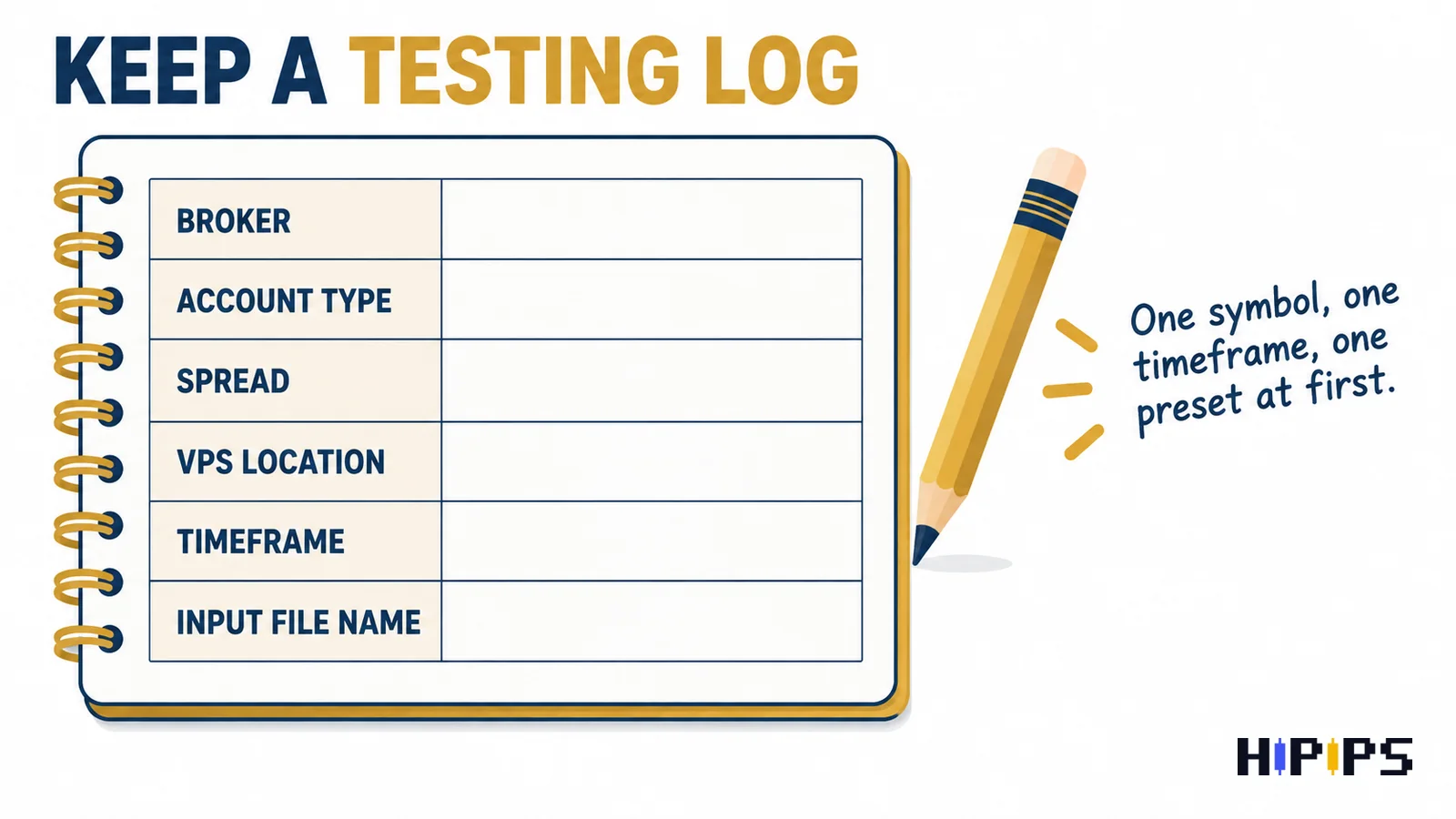
Keep a testing log
Record broker, account type, spread, VPS location, timeframe and input file name. This gives you a clean path when you return to the setup later.
- Correct platform folder
- One preset per test
- Symbol suffix
FAQs
Where do MT4 or MT5 setfiles go?
They are usually loaded from the terminal preset folder through the EA Inputs tab.
Can I edit a setfile?
Yes, but save a copy before editing and document the changed values.
Does every product include setfiles?
No. Always check the product page and package details.
Conclusion
Keep the decision process simple: choose the correct platform, verify symbol and package details, test the settings, monitor risk and only then move from research to checkout.










