
EA Quick Information
- Platform
- MT4
- Setfiles
- Not included
Our Latest Product





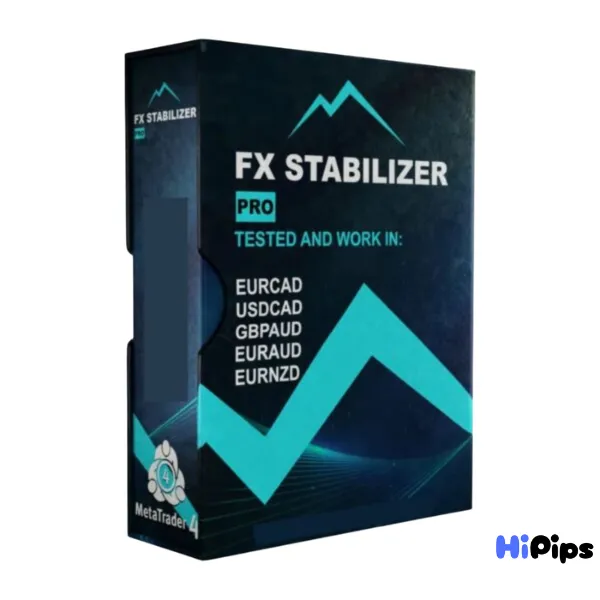
FX Stabilizer PRO EA MT4 v2_1444+
$14.99
One-time payment · Digital download
FX Stabilizer PRO EA MT4, a professional expert advisor for MetaTrader 4 designed for long term stability. Automate your forex strategy with advanced risk management and proven performance.
- Digital download Files are available in your account once payment is confirmed.
- Replacement guarantee Not working? We replace it with an equivalent product.
- Setup support Help by email or Telegram before and after you buy.
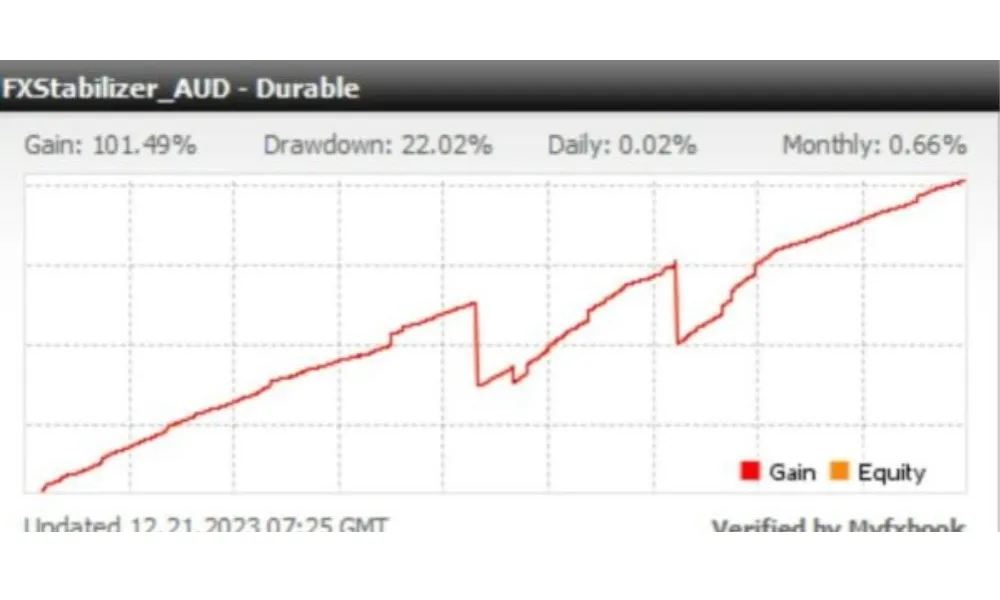
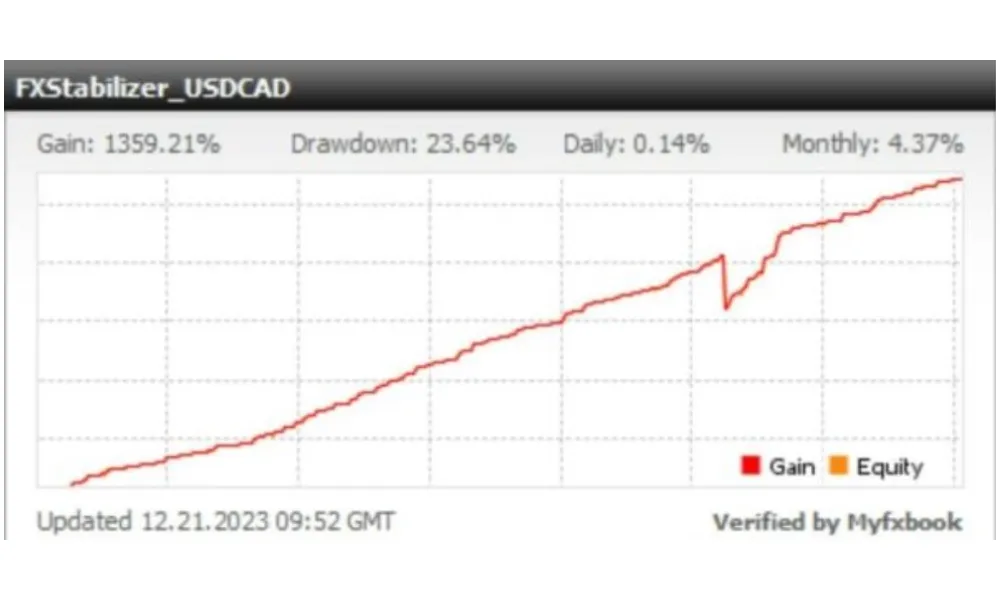
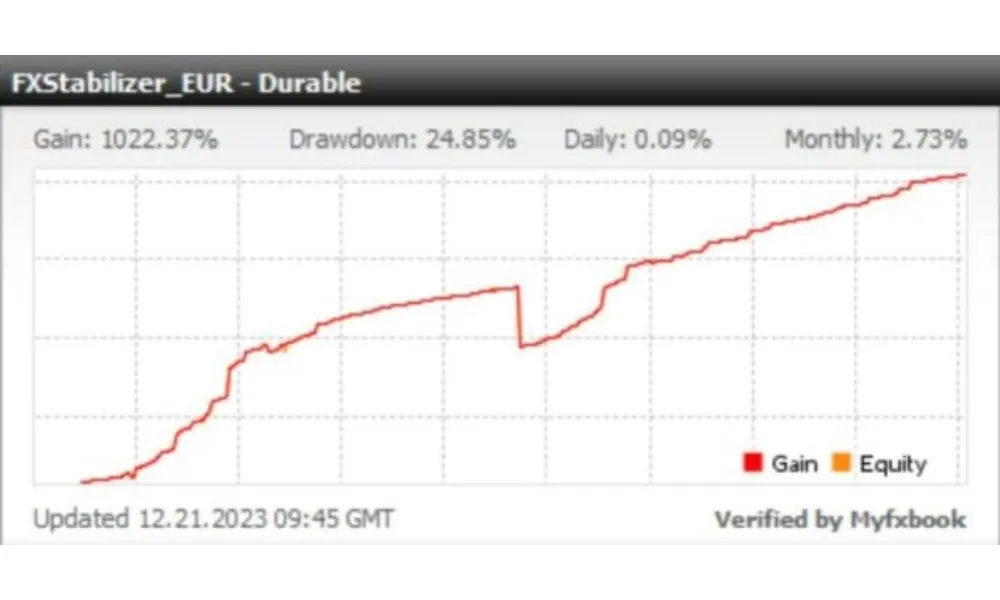
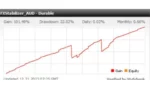
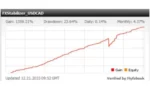
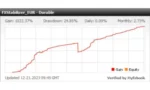
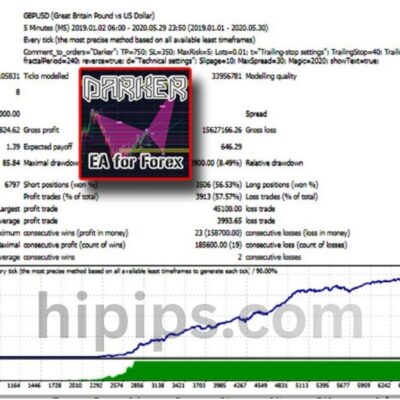
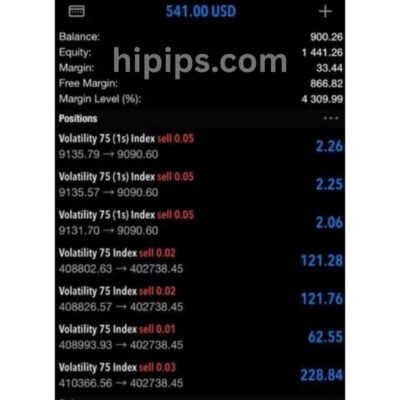
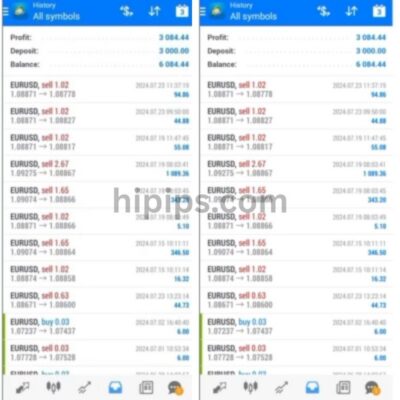
Trading involves risk of loss. Backtests and screenshots show past or simulated results, not future returns.
Guaranteed safe checkout









What is FX Stabilizer PRO EA MT4?
FX Stabilizer PRO EA MT4 is a professional automated trading system specifically engineered for the MetaTrader 4 terminal to provide long term financial stability through advanced market analysis. This expert advisor operates by identifying specific price patterns and trend reversals while utilizing a unique mathematical logic to manage open positions effectively. It functions as a fully autonomous algorithmic tool that monitors currency movements 24 hours a day to execute trades with high precision and technical discipline.
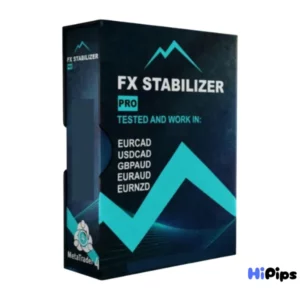
Original Price: $739
Hipips Price: $14.99
Key Takeaways
- Automated Trading: FXStabilizer PRO EA automates trading in the Forex market based on predefined strategies.
- User-Friendly Interface: The EA offers an intuitive interface suitable for traders of all levels, ensuring easy installation and operation.
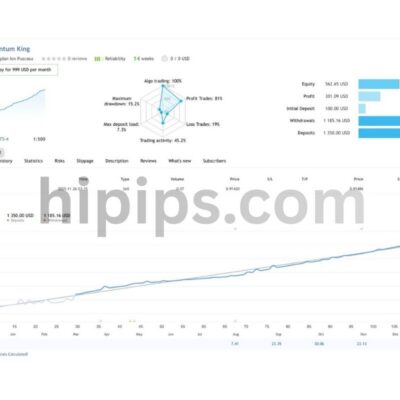
- Track Record of Stability: Since 2015, FXStabilizer PRO has consistently delivered monthly profits with minimal drawdowns.
- Security Mechanisms: Robust security measures are in place to limit losses and protect deposits, with no incidents reported since 1997 for AUDUSD trades.
- Risk Management Features: Essential risk management tools like AutoRisk and RiskLimit provide users with effective control over their desired risk levels.
- Fast Profit and Withdrawal Strategy: The EA emphasizes a strategy of fast profits and advises prompt withdrawal of the deposit after doubling it for optimal results.
FX Stabilizer PRO EA MT4 Review
Installation Guide
Step-by-Step Installation Guide
1.Get the EA Files: Download the Expert Advisor package, which should contain an .ex5 file and potentially a .dll file. Unzip the package if it’s in a .zip format.
2.Open MT5 Data Folder: Launch MetaTrader 5, go to File > Open Data Folder, and a file explorer window will open.
3.Copy EA File: Navigate to the MQL5 folder, then open the Experts folder and paste your .ex5 file here.
4.Copy DLL File (If Applicable): If your EA package includes a .dll file, paste it into the MQL5 > Libraries folder.
5.Restart MT5: Close and reopen the MetaTrader 5 platform to refresh the file system.
6.Find in Navigator: In MT5, open the Navigator window (Ctrl+N) and expand the Expert Advisors section; your EA should now appear.
7.Attach to Chart: Drag the EA onto the desired currency pair chart.
8.Configure Settings: In the pop-up window:
Go to the Inputstab and verify settings like risk levels.
Check the boxes for Allow Modification of Signal Settingsand Allow Algo Trading.
9.Enable AutoTrading: Click the main AutoTrading button on the MT5 toolbar to turn it green, allowing the EA to run.
Product Download Package?
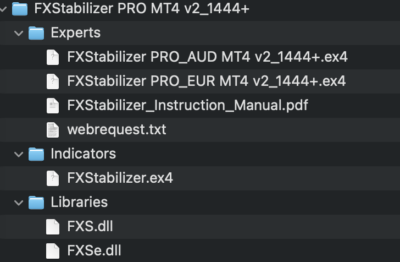
Delivery
- This is a digital product: nothing is shipped.
- Once your payment is confirmed, the files are available under My Account → Downloads and in your order email.
- The platform (MT4 / MT5), build and included files (setfiles, source code) are stated in the product title and description.
Refunds & replacements
- If a product does not work, we replace it with an equivalent product from our store.
- We do not refund because of trading results: profits and risks are yours.
- Membership packages are non-refundable.
Support
Email [email protected] or chat with us on Telegram.
EA Quick Information
- Platform
- MT4
- Setfiles
- Not included
Our Latest Product









Reviews
There are no reviews yet.