

EA Quick Information
- Platform
- MT5
- Setfiles
- Not included
Our Latest Product




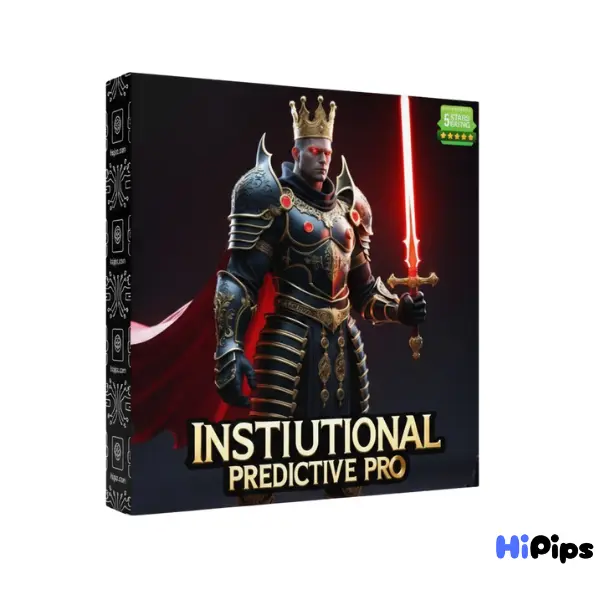
Institutional Predictive Pro EA MT5
$14.99
One-time payment · Digital download
Institutional Predictive Pro EA MT5 is a sophisticated trading solution engineered as a multi-layer Grid system. It integrates advanced volatility filtering, precise profit cycle control, and dynamic tracking logic to navigate complex market environments.
- Digital download Files are available in your account once payment is confirmed.
- Replacement guarantee Not working? We replace it with an equivalent product.
- Setup support Help by email or Telegram before and after you buy.
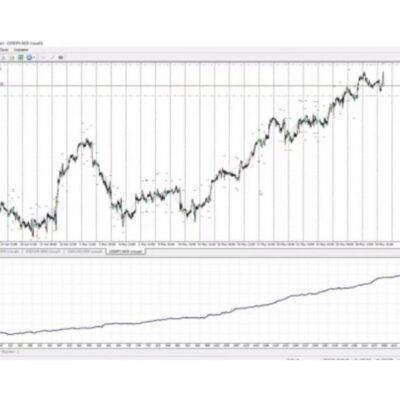
Trading involves risk of loss. Backtests and screenshots show past or simulated results, not future returns.
Guaranteed safe checkout









What is Institutional Predictive Pro EA MT5?
Institutional Predictive Pro EA MT5 is a sophisticated trading solution engineered as a multi-layer Grid system. It integrates advanced volatility filtering, precise profit cycle control, and dynamic tracking logic to navigate complex market environments.
.

Original Price: $1500
Hipips Price: $14.99
Institutional Predictive Pro EA MT5 Features
Adaptive Grid Engine: Uses inner, middle, and outer grid layers with dynamic spacing for safer scaling in expanding markets.
Daily Profit Control: Automates profit-limit resets to maintain stable daily cycles and prevent prolonged exposure.
Volatility Gap Detection: Expands spacing during fast price movements using a speed-based gap multiplier.
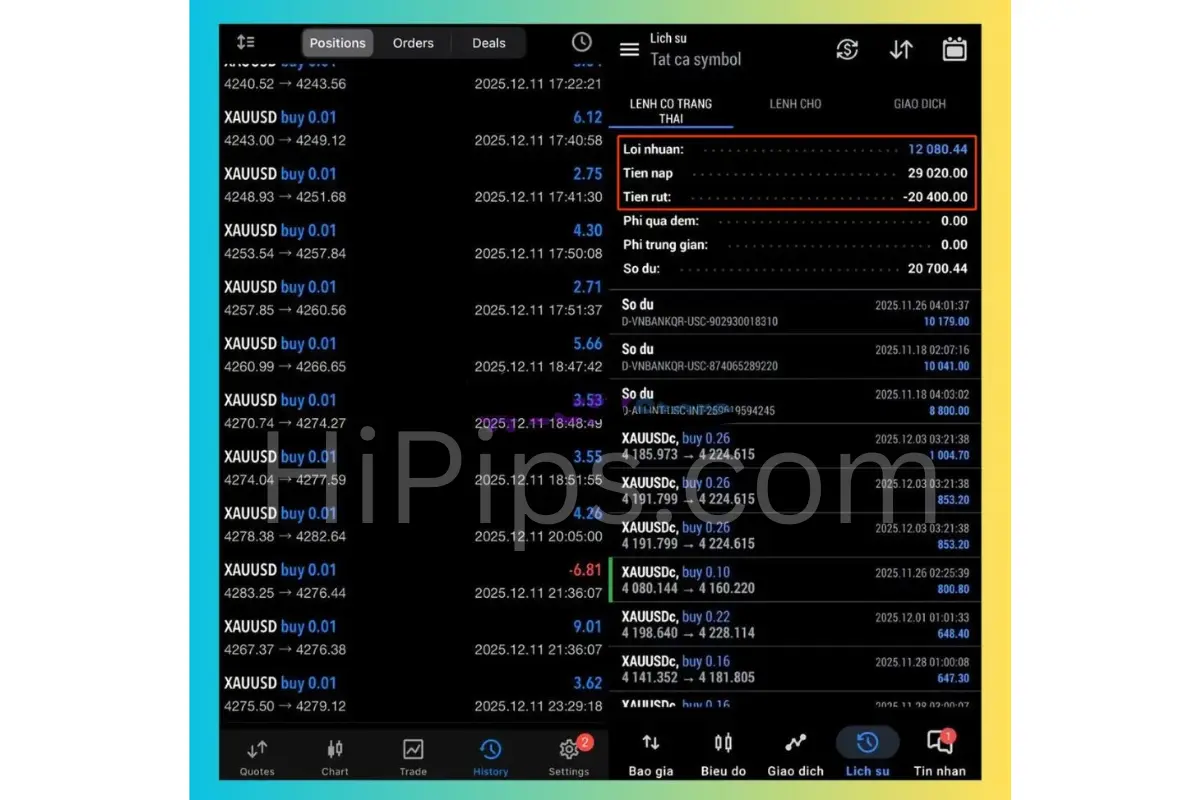
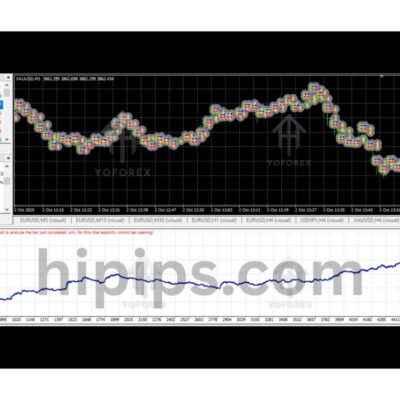
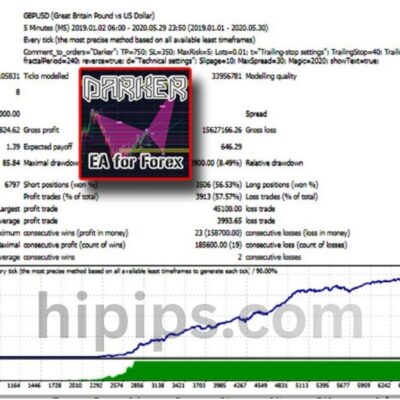
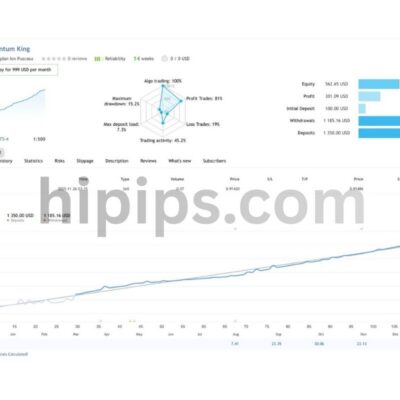
Institutional Predictive Pro EA MT5 Review
Installation Guide
Step-by-Step Installation Guide
1.Get the EA Files: Download the Expert Advisor package, which should contain an .ex5 file and potentially a .dll file. Unzip the package if it’s in a .zip format.
2.Open MT5 Data Folder: Launch MetaTrader 5, go to File > Open Data Folder, and a file explorer window will open.
3.Copy EA File: Navigate to the MQL5 folder, then open the Experts folder and paste your .ex5 file here.
4.Copy DLL File (If Applicable): If your EA package includes a .dll file, paste it into the MQL5 > Libraries folder.
5.Restart MT5: Close and reopen the MetaTrader 5 platform to refresh the file system.
6.Find in Navigator: In MT5, open the Navigator window (Ctrl+N) and expand the Expert Advisors section; your EA should now appear.
7.Attach to Chart: Drag the EA onto the desired currency pair chart.
8.Configure Settings: In the pop-up window:
Go to the Inputstab and verify settings like risk levels.
Check the boxes for Allow Modification of Signal Settingsand Allow Algo Trading.
9.Enable AutoTrading: Click the main AutoTrading button on the MT5 toolbar to turn it green, allowing the EA to run.
Product Download Package?
Experts: Institutional Predictive Pro.ex5
FAQs
What is the recommended leverage for this EA?
It is best to use a leverage of at least 1:100 to ensure the margin levels remain healthy during active trading sessions. This provides enough breathing room for the algorithmic strategy to manage multiple positions if necessary.
Can I use this system for prop firm challenges?
Yes, the smart risk management settings allow this robot to pass many funding program requirements by maintaining low daily drawdowns. The software includes specific equity protection features that are ideal for meeting strict prop firm rules.
Which timeframes provide the most accurate predictions?
While it can be adjusted for various charts, the H1 and H4 timeframes are generally preferred for capturing stable institutional trends and reducing market noise. These higher timeframes allow the predictive model to analyze supply and demand zones with greater reliability.
Is a high speed internet connection required?
A stable connection or a dedicated VPS service is essential to ensure that the predictive signals are executed without any technical delays. Using a virtual server minimizes latency and keeps the software running around the clock regardless of your local computer status.
Delivery
- This is a digital product: nothing is shipped.
- Once your payment is confirmed, the files are available under My Account → Downloads and in your order email.
- The platform (MT4 / MT5), build and included files (setfiles, source code) are stated in the product title and description.
Refunds & replacements
- If a product does not work, we replace it with an equivalent product from our store.
- We do not refund because of trading results: profits and risks are yours.
- Membership packages are non-refundable.
Support
Email [email protected] or chat with us on Telegram.
EA Quick Information
- Platform
- MT5
- Setfiles
- Not included
Our Latest Product









Reviews
There are no reviews yet.