
WALEX EA MT5 Review: H1 Setup and Risk Checklist

Quick answer: WALEX EA MT5 V2.03 is listed by HiPips as an H1 Expert Advisor for XAUUSD, XAGUSD, EURUSD, GBPUSD, BTCUSD and US30. The package is advertised with setfiles and requires MT5 build 6259 or later. Before running it, match each preset to the broker symbol, verify the contract size and trading costs, and test one market at a time on a demo account.
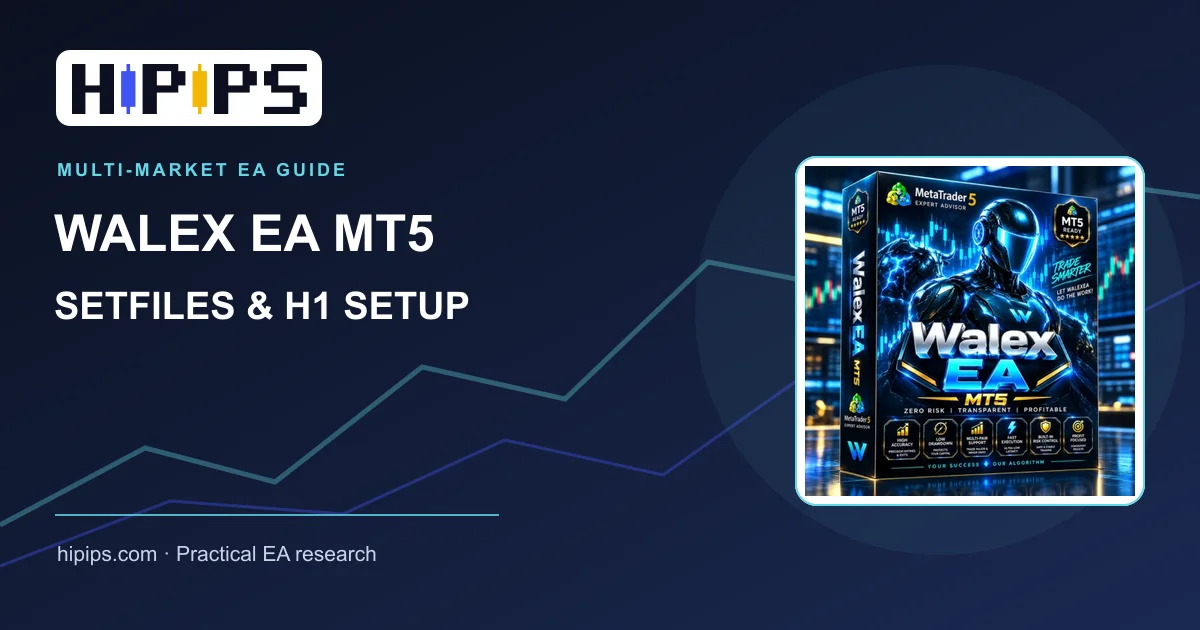
What does the WALEX EA MT5 package include?
The WALEX EA MT5 V2.03 product page lists an EX5 Expert Advisor and setfiles. It describes a support-and-resistance and price-action approach with structured trade management on H1. The seller describes the system as avoiding conventional grid and martingale methods; that description is not a substitute for checking actual position sizing, recovery behavior and maximum exposure in a test account.
| Item to check | Current product listing | Why it matters |
|---|---|---|
| Platform | MT5, build 6259+ | Older terminals may fail to load the EX5 file. |
| Chart | H1 | Run the EA on the intended timeframe before changing inputs. |
| Markets | Gold, silver, EURUSD, GBPUSD, BTCUSD, US30 | Contract size, spreads and sessions differ by symbol. |
| Files | EX5 and setfiles listed | Confirm each preset is present and matches its symbol. |
How should you choose a WALEX setfile?
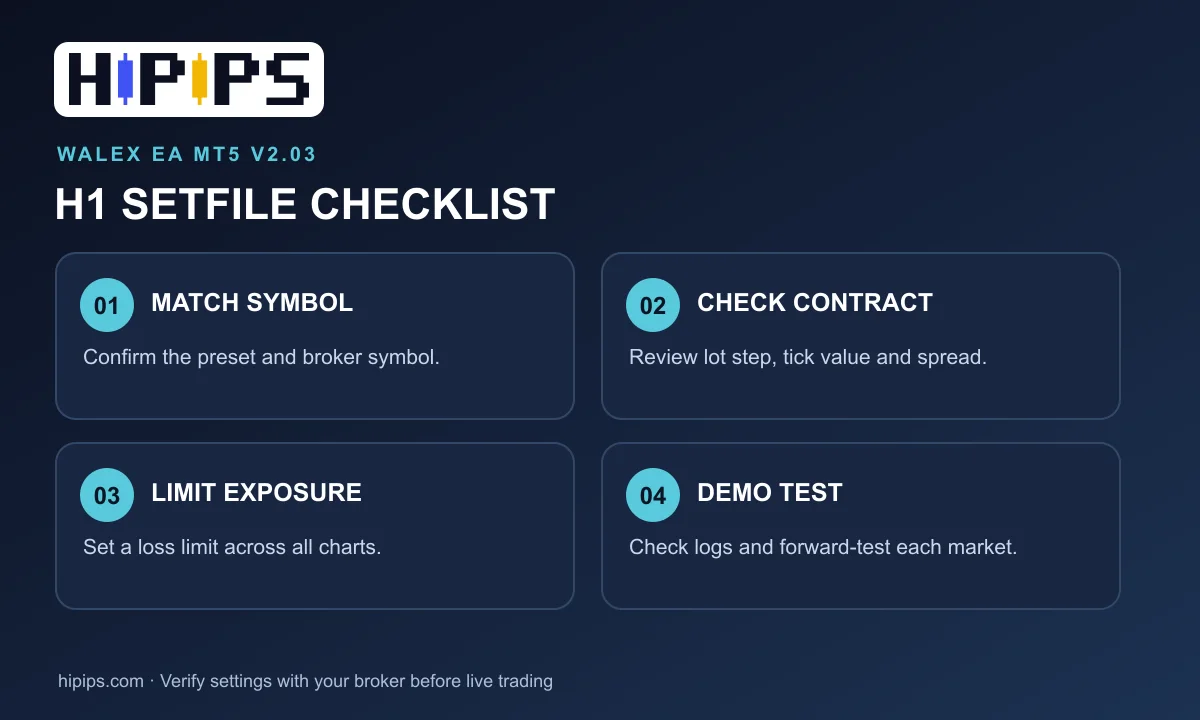
- Start with the correct symbol. A broker may use XAUUSD, GOLD or a symbol with a suffix. Compare the preset’s intended market with Market Watch and the broker’s contract specification.
- Check the account currency and contract size. A 0.01 lot position on gold is not equivalent to 0.01 lot on US30 or BTCUSD. Review tick value, minimum lot and lot step before testing.
- Load one preset on one H1 chart. Record the setfile name and all changed inputs. Do not run several charts with the same magic number until you know how the EA separates trades.
- Set an account-level loss limit. Inspect fixed lot or risk percentage, maximum open trades, recovery settings and equity stop. If a control is absent, use an external account rule and a smaller test size.
- Test execution. Check the Experts and Journal tabs for invalid stops, missing symbols, rejected orders or permission errors.
For the MT5 file placement and preset loading steps, use the HiPips MT5 EA installation guide. For position sizing, read the EA risk settings guide.
Why test each WALEX market separately?
WALEX spans six instruments, but a single favorable backtest on XAUUSD tells you little about BTCUSD or US30. Spread, trading hours, swap, margin and stop distances differ. Run the same testing sequence for every market: historical backtest using the exact preset, an out-of-sample period, then a demo forward test on the broker you intend to use. Compare drawdown, trade count, average win and loss, and sensitivity to a wider spread. The MT5 optimization and forward-testing guide explains how to avoid choosing a preset solely because it has the highest past return.
Practical pre-live checklist
- MT5 terminal meets the listed build requirement and algorithmic trading is enabled.
- The EX5 loads without errors, and the preset name matches the chart symbol.
- Lot size, maximum positions and any recovery settings fit the account’s loss limit.
- Broker spread and contract specifications are recorded for each symbol.
- The Experts and Journal logs stay clean during the demo test.
- No live deposit is committed on the strength of product screenshots alone.
Is WALEX EA suitable for a small account?
The listing states a $100 minimum deposit and 1:100 or higher leverage. Those are product specifications, not a safe starting balance or a promise of suitability. A small account can be constrained by the broker’s minimum lot and margin requirements, especially on gold, BTCUSD and US30. Calculate the loss from the planned stop or worst plausible open exposure before deciding whether the account can carry the EA.
Next step: review the current files, screenshots and price on the WALEX EA MT5 product page, then test the included setfiles on demo before using real funds. Trading and backtest results can differ, and capital is at risk.










