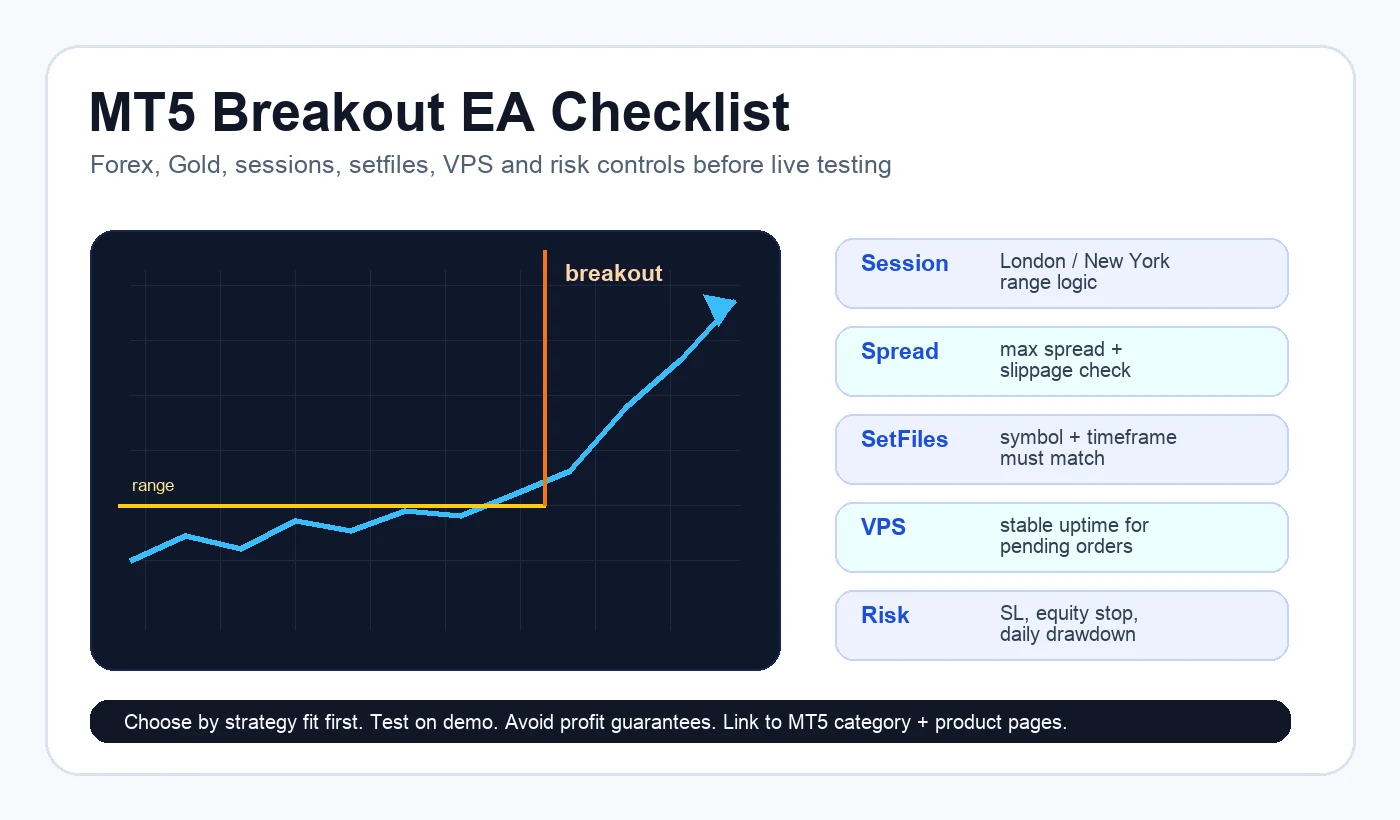
Custom HiPips infographic showing the core checklist for evaluating an MT5 breakout EA before live testing.
Quick Answer
An MT5 breakout EA is a trading robot that looks for price expansion after a range, session open, volatility compression, or key level break. The strongest buyer path on HiPips is to compare breakout-style MT5 products through the MT5 Expert Advisors category, then review risk settings, setfiles, VPS stability, and broker execution before live trading.
This buyer topic is attractive because the searcher is not just learning what an Expert Advisor is. A query like “breakout trading robot MT5” or “forex breakout EA” usually means the trader already wants a strategy type and is comparing products that can trade momentum without manually watching charts all day.
The broader forex EA market is crowded, but strategy-specific searches convert better because the buyer has already narrowed the problem. “MT5 breakout EA” sits between broad MT5 robot searches and exact product searches. It can support category traffic, product clicks, and related guides to risk-control guides.
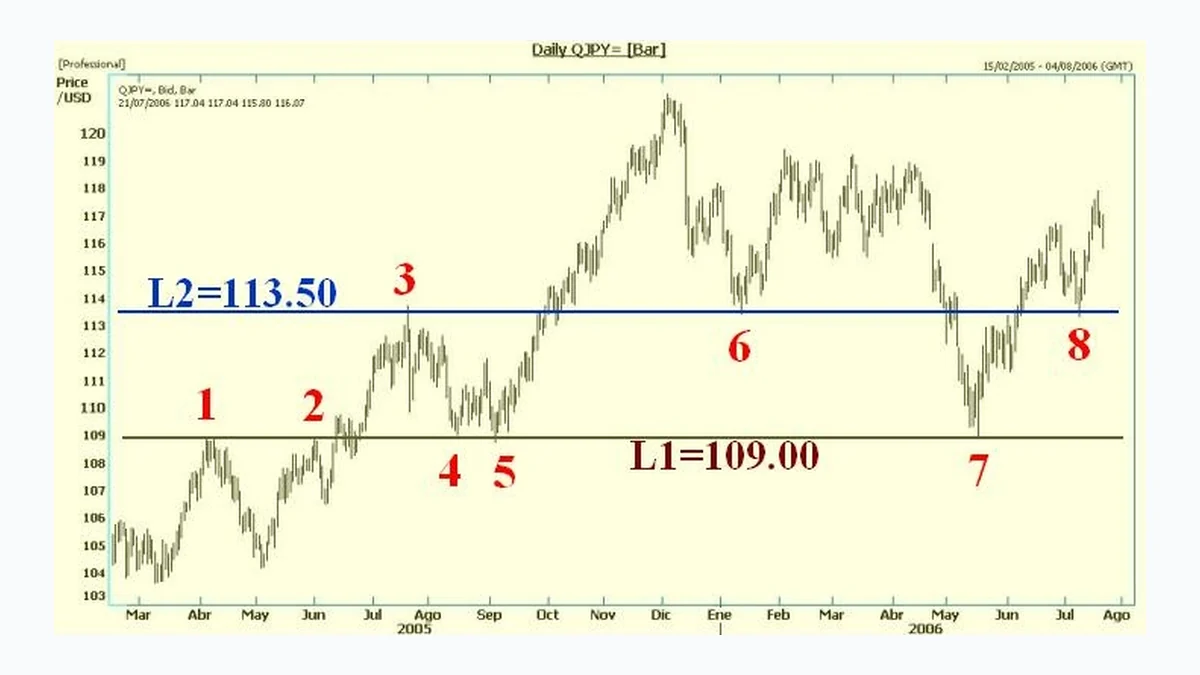
A breakout EA tries to trade after price leaves a defined area. The area may be an Asian-session range, previous high/low, volatility box, support and resistance zone, or algorithmic channel. The robot may place market orders, stop orders, or wait for candle confirmation depending on its rules.
Range breakout: waits for price to leave a consolidation zone.
Session breakout: focuses on London, New York, or a defined market open.
Volatility breakout: reacts when price expands after quiet conditions.
News-aware breakout: avoids or filters high-impact event windows.
Gold breakout: targets XAUUSD moves, but needs stricter spread and slippage checks.
Breakout EA vs Scalping, Grid, and Trend EAs
Strategy type
How it behaves
Main risk to review
Breakout EA
Trades expansion after a level or range breaks
False breakouts, spread, news volatility
Scalping EA
Targets smaller moves with faster trade management
Latency, commission, slippage
Trend EA
Attempts to follow directional movement
Late entries and reversal periods
Grid or recovery EA
Adds positions as price moves
Exposure growth and drawdown
Single-entry EA
Uses fewer entries with stricter invalidation
Missed trades and stop placement
Best MT5 Breakout EA Checklist Before Buying
Confirm the EA is built for MetaTrader 5, not MT4.
Check whether setfiles are included and which symbol/timeframe they support.
Find the breakout logic: session range, price level, volatility filter, or candle confirmation.
Review max spread, slippage tolerance, and broker suffix requirements.
Check whether the EA uses stop loss, equity stop, or a daily pause process.
Use a VPS if the system must watch specific sessions or pending orders continuously.
Backtest with realistic spread and commission, then demo test before live use.
Avoid running several breakout robots on correlated symbols at the same time.
Products to Compare on HiPips
The product table below is a buying path, not a claim that every product uses identical breakout logic. Open each product page to confirm platform, file package, setfiles, DLL or NoDLL requirement, symbol focus, build compatibility, and risk controls.
Product
Best fit
Platform
Risk check
Link
ULTIMATE BREAKOUT SYSTEM MT5 V5.6 + SETFILES BUILD 5833+
Primary breakout-style MT5 product candidate
MT5
Review session rules, setfiles, max spread, and breakout confirmation before live use
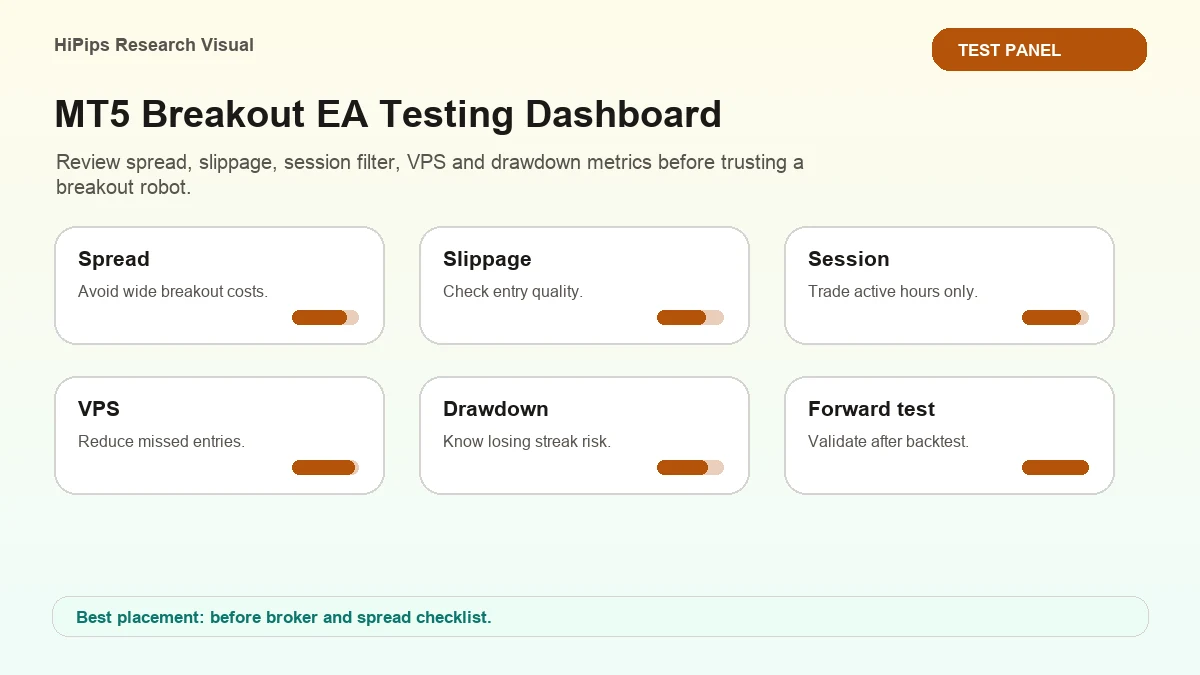
Breakout systems can look excellent in a narrow backtest window and weak in another market regime. A careful buyer should test more than one month, include volatile and quiet periods, and avoid changing settings until the result looks perfect. The goal is to understand behavior, not to force a curve-fit.
Test the default setfile first before editing inputs.
Record symbol, timeframe, spread, commission, and broker server time.
Separate London-session and New York-session results if the EA uses session logic.
Review losing trades to see whether they came from false breakouts or high spread.
Compare demo behavior with a small live test only after the system is stable.
Risk Controls That Matter Most
Risk control
Why it matters for breakout EAs
Where to learn more
Max spread
False breakouts often happen during poor liquidity
You prefer momentum entries instead of range trading.
You trade sessions where volatility expansion is common.
You can use a VPS to keep MT5 running during the target session.
You are willing to accept false breakouts as part of the strategy profile.
You want a clear product comparison path rather than a generic EA list.
When to Choose a Different Robot
If you need slow directional holding, compare trend EAs. If you want small frequent trades, compare scalping systems. If you trade Gold specifically, start with the XAUUSD EA MT5 hub before picking a product. If your main concern is funded-account rules, use the Prop Firm EA MT5 checklist before increasing risk.
For breakout-intent buyers, start with ULTIMATE BREAKOUT SYSTEM MT5 as the primary product candidate, then compare SMART QUANT ALGO EA PRO MT5 and other MT5 products only after confirming strategy fit. Do not choose only by profit screenshots. Choose by platform, breakout logic, setfiles, spread filter, stop loss behavior, and how the EA handles quiet or news-driven markets.
FAQ
What is an MT5 breakout EA?
It is an Expert Advisor for MetaTrader 5 that attempts to trade when price breaks out of a range, session level, volatility box, or other predefined market structure.
Is a breakout EA better than a scalping EA?
Not universally. A breakout EA suits traders who want momentum and session expansion. A scalping EA suits traders who target smaller, faster moves and can manage execution costs carefully.
Do breakout EAs need a VPS?
A VPS is recommended when the EA needs stable uptime, pending orders, or session-specific monitoring. Downtime can cause missed entries or unmanaged trades.
Can I use a breakout EA for XAUUSD?
Possibly, if the product supports Gold and your broker conditions are suitable. XAUUSD can move quickly, so review spread, slippage, session rules, and the XAUUSD EA MT5 hub before live use.
Can an MT5 breakout EA remove trading risk?
No. It automates a breakout logic, but false breakouts, spread expansion, slippage, broker execution, settings, and account size still affect results.
Community discussion
Comments
Ask about platform compatibility, broker setup, setfiles, VPS, risk settings, or product fit before testing an EA.
No comments yet. Start the discussion with a setup or risk question.










Community discussion
Comments
Ask about platform compatibility, broker setup, setfiles, VPS, risk settings, or product fit before testing an EA.
No comments yet. Start the discussion with a setup or risk question.