
EA Quick Information
- Platform
- MT5
- Setfiles
- Included
- Timeframe
- H1
Our Latest Product


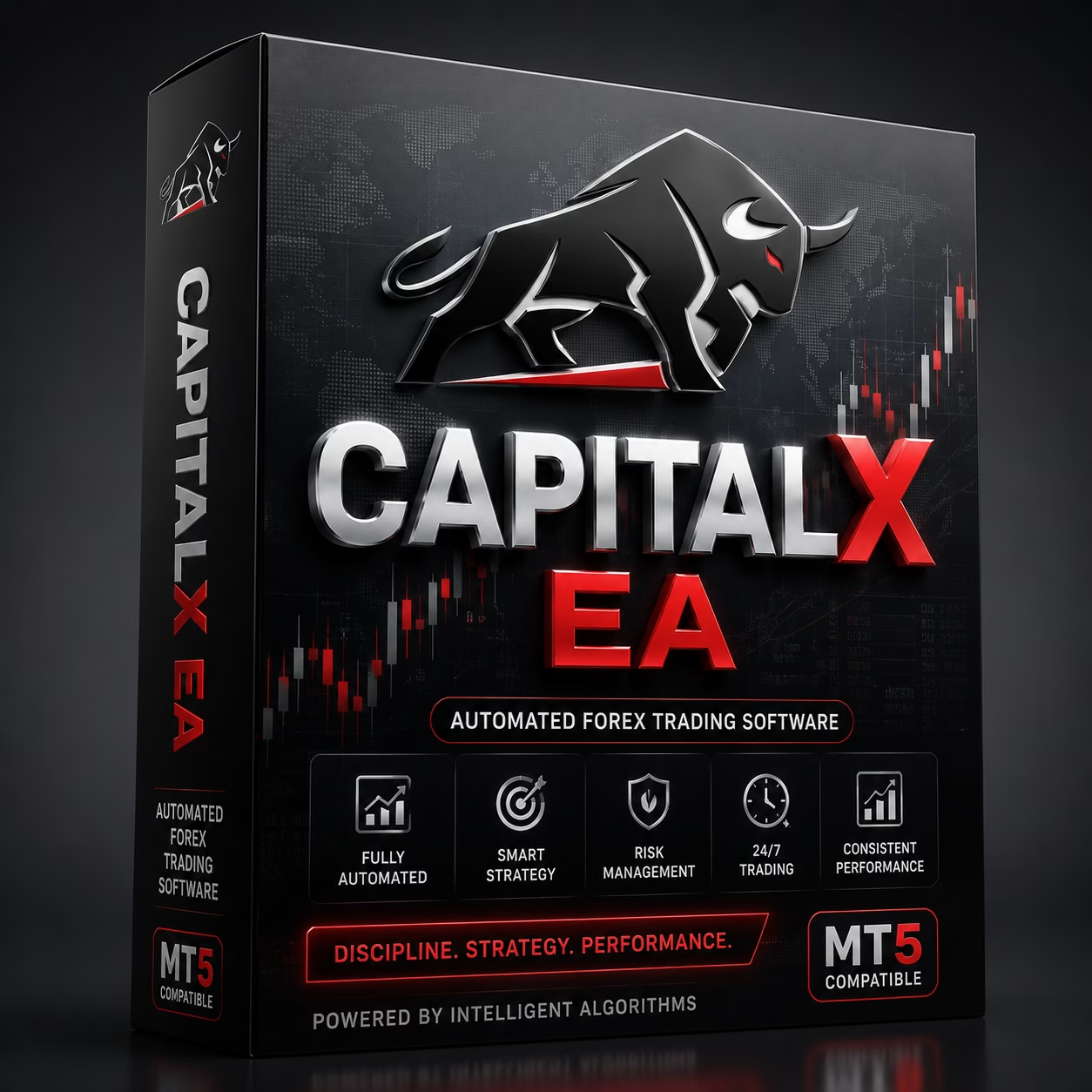
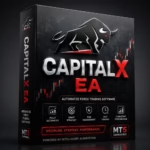
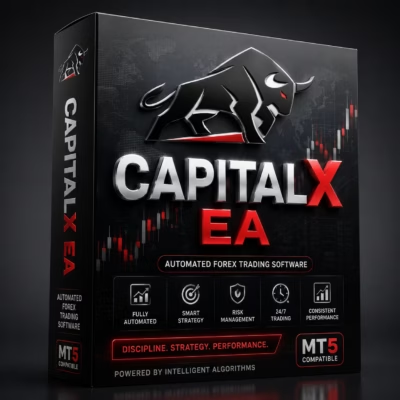
CAPITAL X EA MT5 + SetFiles NoDLL BTCUSD H1
$20.00
One-time payment · Digital download
CAPITAL X EA MT5 + SetFiles NoDLL is an MT5 Expert Advisor listed for BTCUSD / Bitcoin automation on the H1 timeframe, with a $100 or 10K Cent Account minimum deposit reference and setfiles for testing.
- Digital download Files are available in your account once payment is confirmed.
- Replacement guarantee Not working? We replace it with an equivalent product.
- Setup support Help by email or Telegram before and after you buy.
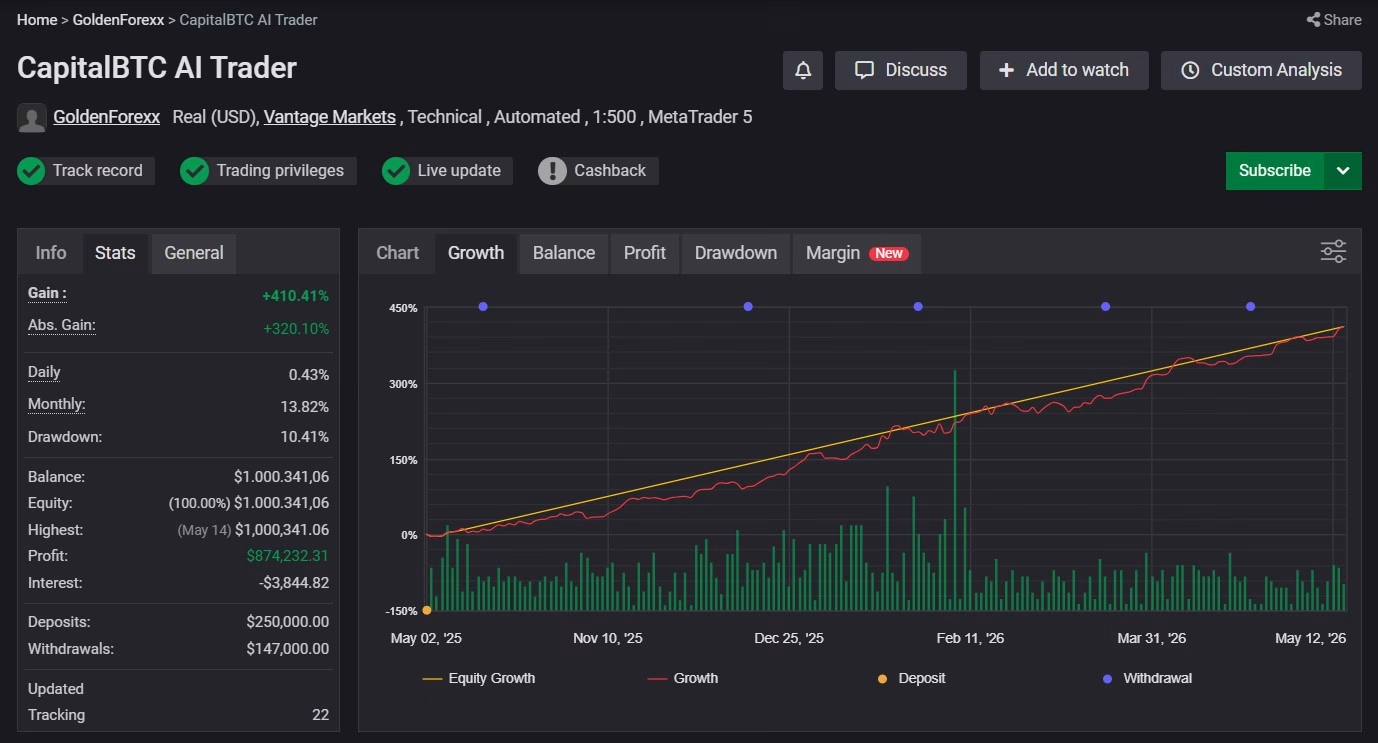
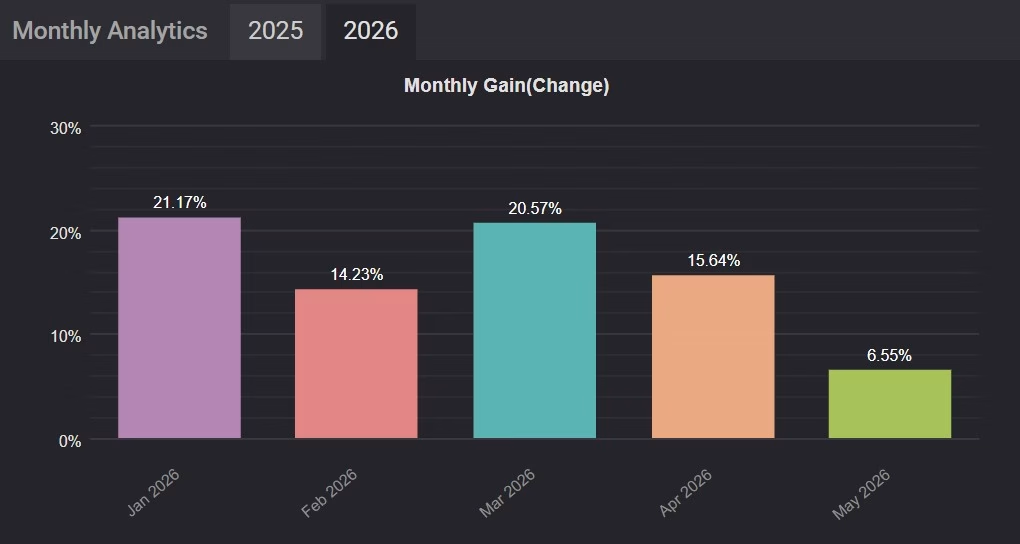
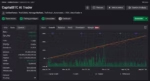
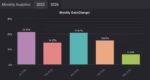
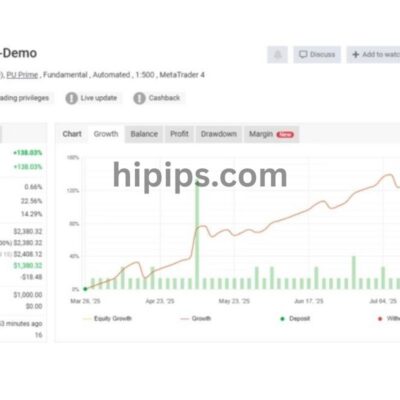
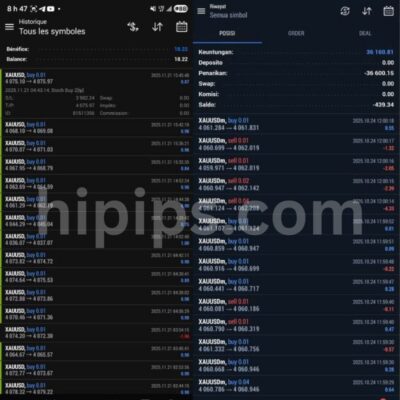
Trading involves risk of loss. Backtests and screenshots show past or simulated results, not future returns.
Guaranteed safe checkout









CAPITAL X EA MT5 NoDLL Overview
CAPITAL X EA MT5 + SetFiles NoDLL is a MetaTrader 5 Expert Advisor listed for BTCUSD / Bitcoin automation on the H1 timeframe. The product is positioned for traders who want a NoDLL MT5 robot with setfiles, fully automated execution, and a lower starting requirement than many Gold-focused systems. This page is optimized around the high-intent buyer terms CAPITAL X EA MT5, CapitalX EA MT5, NoDLL, BTCUSD, H1, and setfiles.
| Field | Details |
|---|---|
| Platform | MetaTrader 5 (MT5) |
| Instrument | BTCUSD / Bitcoin |
| Recommended timeframe | H1 |
| Trading type | Fully automated Expert Advisor |
| Setfiles | Listed as included |
| Format | NoDLL version |
| Minimum deposit | $100 or 10K Cent Account |
| Price | $20 |
| Related version | CAPITAL X EA MT5 With DLL |
What’s Included
- CAPITAL X EA MT5 NoDLL product access according to the current listing.
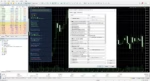
- SetFiles for MT5 configuration and testing.
- BTCUSD / Bitcoin setup context.
- H1 timeframe reference for structured testing.
- NoDLL workflow for traders who prefer simpler installation requirements.
Setup and Testing Workflow
- Install MetaTrader 5 and confirm the broker offers BTCUSD or the required Bitcoin symbol.
- Check whether your broker uses suffixes or alternative symbol names for BTCUSD.
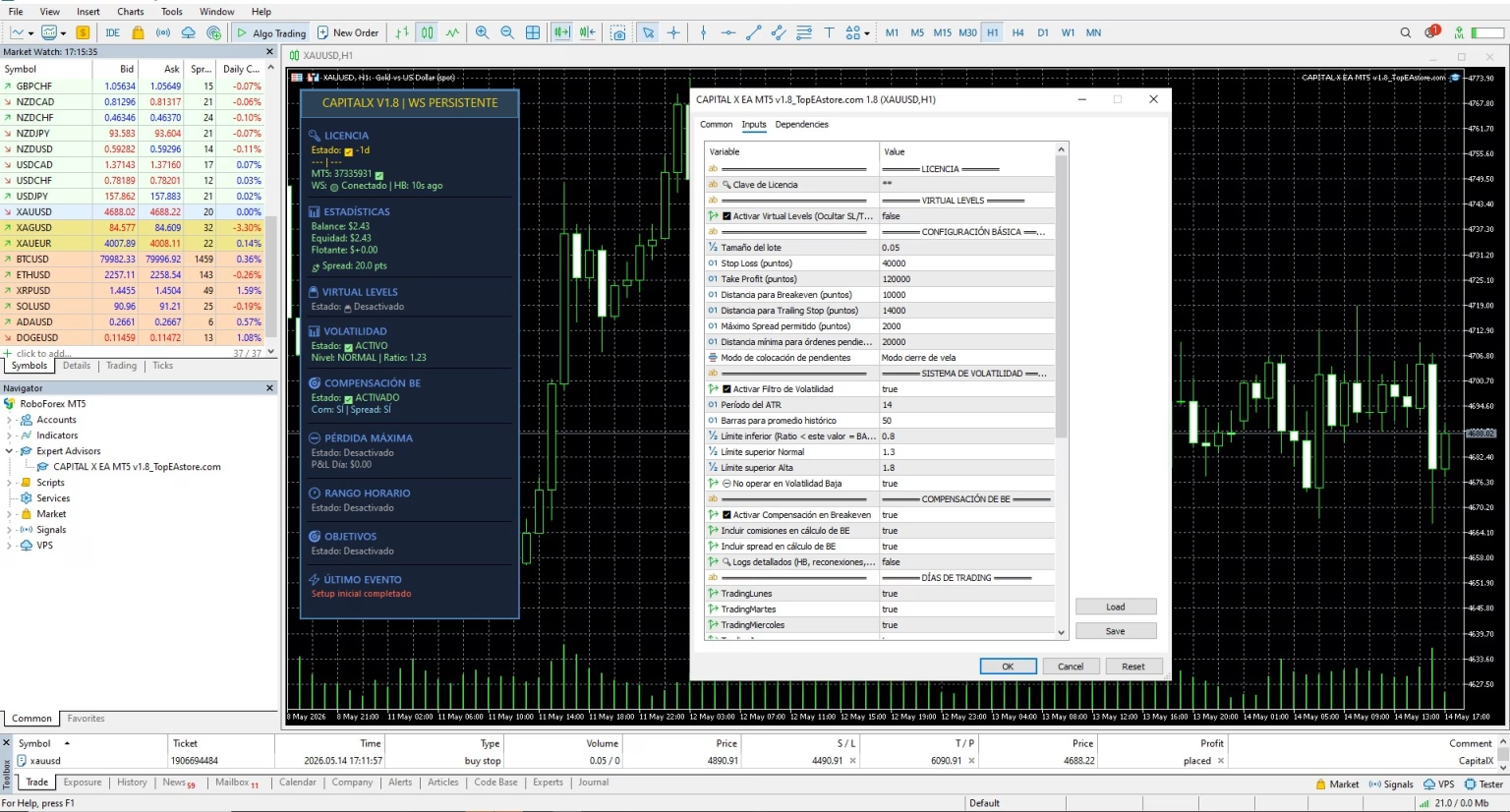
- Load the H1 chart and apply the setfile only after checking lot size and spread.
- Test during different Bitcoin volatility windows before live use.
- Track drawdown, order count, spread, and VPS stability before scaling capital.
Risk Settings to Check
CAPITAL X EA MT5 is connected to BTCUSD, so volatility can be sharper than normal forex pairs. Buyers should check lot size, max spread, max orders, drawdown behavior, and whether the account can handle weekend or crypto-session volatility. Use the forex EA risk settings guide before testing any setfile live.
| Risk area | What to review |
|---|---|
| BTCUSD volatility | Bitcoin can move quickly and widen spread during active sessions |
| NoDLL setup | Confirm the package version and MT5 folder placement before running |
| Setfiles | Test one preset at a time and avoid mixing settings without logs |
| Minimum deposit | The listing references $100 or 10K Cent Account, but risk should still be conservative |
| VPS | Use stable 24/5 uptime if the EA is expected to monitor continuously |
Related MT5 EA Products and Guides
Compare this NoDLL product with CAPITAL X EA MT5 With DLL if you specifically need the DLL package. You can also compare Private EA MT5, DIABLO EA MT5, the MT5 EA with SetFiles guide, and the Best MT5 Expert Advisor checklist for broader MT5 buying research. Browse the MT5 product category or Expert Advisor category if you want more robot options.
FAQ
What is CAPITAL X EA MT5 NoDLL?
CAPITAL X EA MT5 NoDLL is a MetaTrader 5 Expert Advisor listed for BTCUSD / Bitcoin automation with setfiles and H1 timeframe context.
Does CAPITAL X EA MT5 include setfiles?
The current HiPips NoDLL listing references setfiles. Test each setfile separately and document risk behavior before live use.
Which symbol is listed for CAPITAL X EA MT5?
The current product details list BTCUSD / Bitcoin as the instrument.
Is there a DLL version of CAPITAL X EA?
Yes. HiPips also has CAPITAL X EA MT5 + SetFiles With DLL for buyers comparing package formats.
Delivery
- This is a digital product: nothing is shipped.
- Once your payment is confirmed, the files are available under My Account → Downloads and in your order email.
- The platform (MT4 / MT5), build and included files (setfiles, source code) are stated in the product title and description.
Refunds & replacements
- If a product does not work, we replace it with an equivalent product from our store.
- We do not refund because of trading results: profits and risks are yours.
- Membership packages are non-refundable.
Support
Email [email protected] or chat with us on Telegram.
EA Quick Information
- Platform
- MT5
- Setfiles
- Included
- Timeframe
- H1
Our Latest Product








Reviews
There are no reviews yet.