
Prop firm Expert Advisor rules: drawdown limits, news windows and setup on MT4 and MT5

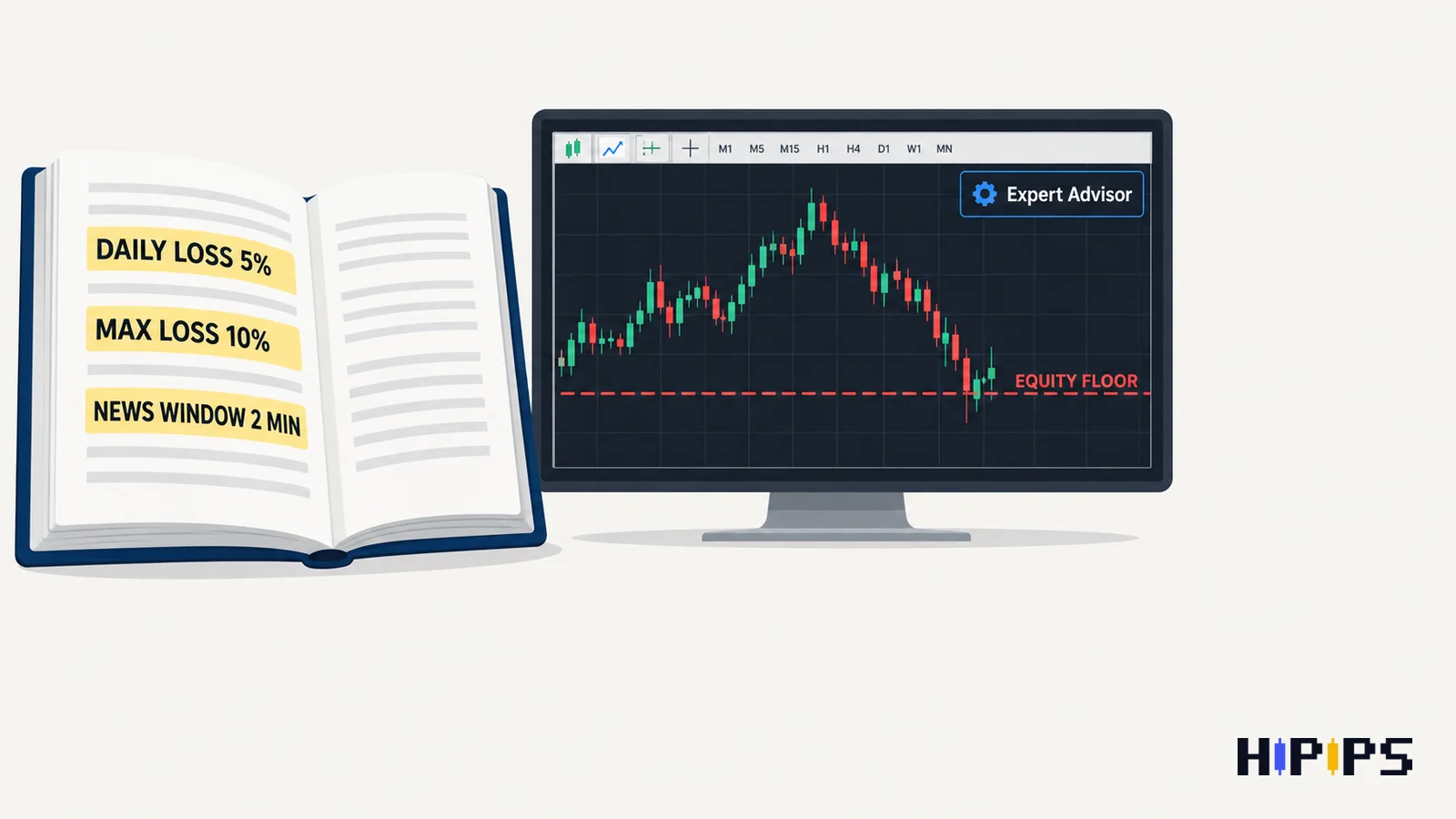
A prop firm Expert Advisor is any Expert Advisor running on an evaluation or funded account, and it must obey the firm’s rules on daily loss, maximum loss, news trading, trading style and server activity on top of its own strategy.
No Expert Advisor guarantees passing an evaluation, and firms change their rules, so the firm examples below reflect the rules published on their sites in September 2026. This guide explains whether prop firms allow Expert Advisors, which rules an Expert Advisor can break, how daily and maximum loss are measured, how to size risk, which strategies are banned, and how to set up an Expert Advisor for a funded account. This guide is part of the HiPips path to choose, test and run an MT4 or MT5 Expert Advisor, which starts with what an Expert Advisor is.
Can you use an Expert Advisor on a prop firm account?
You can use an Expert Advisor on many prop firm accounts, and each firm attaches its own conditions on strategy type, source code, account size and server activity.
The conditions differ enough that the same Expert Advisor is allowed at one firm and banned at another. The table below summarizes three firms’ published conditions.
| Firm | Expert Advisors | Main conditions |
|---|---|---|
| FTMO | Allowed | Trading must be replicable on live accounts; a third-party Expert Advisor used by other traders can exceed the maximum capital allocation rule; platform servers limit accounts to 200 orders at a time and 2,000 positions per day |
| The5ers | Allowed | No copying another person’s signals, no tick scalping, latency, reverse or hedge arbitrage, no high-frequency trading; the trader must own the Expert Advisor’s source code |
| FundedNext | Allowed on accounts below $50,000 | Expert Advisors built to pass challenges are prohibited; switching between Expert Advisor and manual trading between challenge and funded stage is prohibited |
FTMO allows Expert Advisors when trading is replicable on live accounts and does not resemble forbidden practices, according to its FAQ on instruments and strategies. The5ers lists its conditions in its Expert Advisor FAQ, and FundedNext in its help article on Expert Advisors. Read the current page of your own firm before attaching any Expert Advisor.
Which prop firm rules can an Expert Advisor break?
An Expert Advisor can break seven kinds of prop firm rules: daily loss, maximum loss, news windows, banned strategies, server activity limits, holding rules and copy trading rules.
The seven rule types are listed below.
- Daily loss: equity falls below the day’s limit, including open positions.
- Maximum loss: equity falls below the account’s overall floor.
- News window: an order opens, closes or hits its stop inside a restricted window around selected releases.
- Banned strategy: high-frequency trading, arbitrage or tick scalping, as the firm defines them.
- Server activity: too many order requests per day, a limit hit by Expert Advisors that modify orders on every tick.
- Holding rules: positions held overnight or over the weekend on account types that restrict it.
- Copy trading: trades copied from another person’s account or signal.
An Expert Advisor built for a personal account knows none of these rules, so each one needs a matching input, a manual routine or a different Expert Advisor.
How do daily loss and maximum loss work on a prop firm account?
Daily loss and maximum loss on a prop firm account are equity floors: the account breaches the rule when equity, including floating losses on open positions, drops below the floor.
FTMO publishes two rule sets, and the Maximum Loss works differently in each, according to FTMO’s trading objectives. The 2-Step Challenge sets the Maximum Daily Loss at 5% of the initial capital, recalculated each day at 00:00 CE(S)T from the balance at that moment, and a static Maximum Loss at 10% below the initial capital. The 1-Step Challenge sets the Maximum Daily Loss at 3% and makes the 10% Maximum Loss an end-of-day trailing limit: it is measured from the highest balance recorded at 00:00 CE(S)T and only moves up. The worked examples below use a $100,000 account and FTMO’s own example balances.
| FTMO program and rule | Reference balance | Amount | Equity floor |
|---|---|---|---|
| 2-Step, Maximum Daily Loss | $102,000 at 00:00 CE(S)T today | 5% × $100,000 = $5,000 | $97,000 |
| 2-Step, Maximum Loss (static) | $100,000 initial capital | 10% × $100,000 = $10,000 | $90,000 |
| 1-Step, Maximum Daily Loss | $102,000 at 00:00 CE(S)T today | 3% × $100,000 = $3,000 | $99,000 |
| 1-Step, Maximum Loss (trailing) | $104,000, the highest 00:00 balance so far | 10% × $100,000 = $10,000 | $94,000 |
Three details matter for an Expert Advisor. The floors use equity, so a grid Expert Advisor with a large floating loss breaches the rule before any trade closes. On a 1-Step account the Maximum Loss floor rises with every higher closing balance, so profit made early does not widen the room for later losses. The daily reset follows the firm’s clock, 00:00 CE(S)T at FTMO, while the Expert Advisor’s own daily loss input usually resets on broker server time, so align the two or set the Expert Advisor’s limit well inside the firm’s.
How to size risk for a prop firm Expert Advisor
Risk per trade for a prop firm Expert Advisor is sized from the daily loss limit: divide the limit by the risk per trade to get the number of consecutive losses the account survives in one day.
With a 5% daily limit measured on the initial capital, 1% risk per trade reaches the limit after 5 losses in one day, 0.5% after 10 losses and 0.25% after 20 losses; a 3% daily limit allows 3 losses at 1% risk. Compare that number with the maximal consecutive losses in the Expert Advisor’s backtest report, and remember that open positions count: two positions at 1% risk each put 2% of the daily limit at stake at once. The formulas for lot size and drawdown are explained in Expert Advisor risk settings.
Recovery systems carry the largest breach risk on a funded account, because their floating loss grows with each added order. A martingale grid breaches an equity floor during a trend even when every basket would have closed in profit on a personal account, and martingale Expert Advisor risks explains why.
How do news restrictions affect an Expert Advisor?
News restrictions affect an Expert Advisor by forbidding orders, closes and triggered stops inside a time window around selected economic releases, which an Expert Advisor without a matching news filter cannot see.
FTMO forbids opening or closing trades on targeted instruments, including triggered Stop Loss and Take Profit orders, from 2 minutes before to 2 minutes after selected news releases; the restriction applies to the Standard account type on the FTMO Account, not during the evaluation, and the Swing account type has no news restriction, according to FTMO’s news trading FAQ. The5ers restricts new orders in a 4-minute window around high-impact releases such as US CPI, according to its news trading FAQ.
An Expert Advisor’s news filter works only when its calendar, instruments and window match the firm’s rule. A stop loss that triggers inside the window counts as a trade, so a news filter that only blocks new entries leaves the account exposed. Filter settings and timing are covered in the guide to the news filter for MT5 Expert Advisors.
Which Expert Advisor strategies do prop firms ban?
Prop firms ban Expert Advisor strategies that exploit the simulated environment or cannot be replicated on a live market: high-frequency trading, latency and other arbitrage, tick scalping, and hyperactive order activity.
The banned categories are listed below with the firm that states them.
- High-frequency trading and tick scalping: The5ers.
- Latency, reverse and hedge arbitrage: The5ers.
- Hyperactive order activity beyond the platform limits of 200 orders at a time and 2,000 positions per day: FTMO.
- Expert Advisors built specifically to pass challenges: FundedNext.
- Trades placed by a third party or in coordination with one: FTMO; copying another person’s signals: The5ers.
Grid and martingale Expert Advisors are not named in these lists, and the loss floors limit them in practice.
Can you copy trades between prop firm accounts?
Copying trades between prop firm accounts depends on who makes the decisions: copying another trader’s decisions breaks the personal-use rules, and copying between your own accounts needs the firm’s written confirmation. FTMO’s services are for personal use, and a third party may not access your account or perform trades for you or in coordination with you, according to FTMO’s forbidden trading practices. The5ers excludes Expert Advisors that copy another person’s signals. Ask the firm before a copier connects two funded accounts, even when both are yours, because each account must still meet every rule on its own. A trade copier setup for your own accounts, with lot scaling per receiver, is explained in the guide to the MT4 trade copier.
How to set up an Expert Advisor for a prop firm account
Setting up an Expert Advisor for a prop firm account takes seven steps, from reading the rules to a trial run on the firm’s own server. The seven steps are listed below.
- Read the firm’s current rules for the account type: daily loss, maximum loss, news, holding, strategy and server activity.
- Set the Expert Advisor’s daily loss input below the firm’s daily limit, with a buffer for slippage.
- Set an equity stop above the firm’s maximum loss floor.
- Cap the maximum lot and maximum open trades so that all open positions at their stops stay inside the daily limit.
- Match the news filter’s instruments and window to the firm’s restricted events, or pause the Expert Advisor manually around them.
- Check the server time of the firm’s MetaTrader server against the firm’s daily reset time.
- Run the Expert Advisor on the firm’s free trial or demo server before paying for an evaluation.
An Expert Advisor on a funded account runs around the clock only on a server, and forex VPS for Expert Advisors explains the hosting options.
Which prop firms allow Expert Advisors?
FTMO, The5ers and FundedNext allow Expert Advisors under the conditions in the table above, as published in September 2026, and third-party comparison sites keep longer lists of firms that allow automated trading. Treat any list as a starting point and confirm the rule on the firm’s own FAQ, because conditions such as account-size limits and banned strategies change between programs.
Can an Expert Advisor pass a prop firm challenge?
An Expert Advisor can trade a prop firm challenge within the rules, and no Expert Advisor guarantees a pass. FundedNext prohibits Expert Advisors built to pass challenges, and FTMO requires trading that is replicable on live accounts, so a firm reviews how the result was produced as well as the result. Test the Expert Advisor’s own history first; the guide on how to backtest an MT5 Expert Advisor covers the tester settings.
Should you run a gold Expert Advisor on a prop firm account?
A gold Expert Advisor fits a prop firm account only when its stop size and news handling fit the daily loss limit, because XAUUSD moves fast around US data releases and news windows block exits as well as entries. Size the stop at the minimum lot against the daily limit before choosing one; the guide on how to choose an XAUUSD Expert Advisor gives the balance math, and the prop firm Expert Advisors for MT5 category lists Expert Advisors described for funded-account rules.










