
NAS100 and US30 Expert Advisors on MT5: Symbols, Sessions and Spread

Searchers are usually looking for an asset-specific robot and need broker/session checks before buying. This guide is written for Hipips visitors who want a practical answer before buying from the Expert Advisor category, the MT5 category, or the MT4 category.
Quick Answer
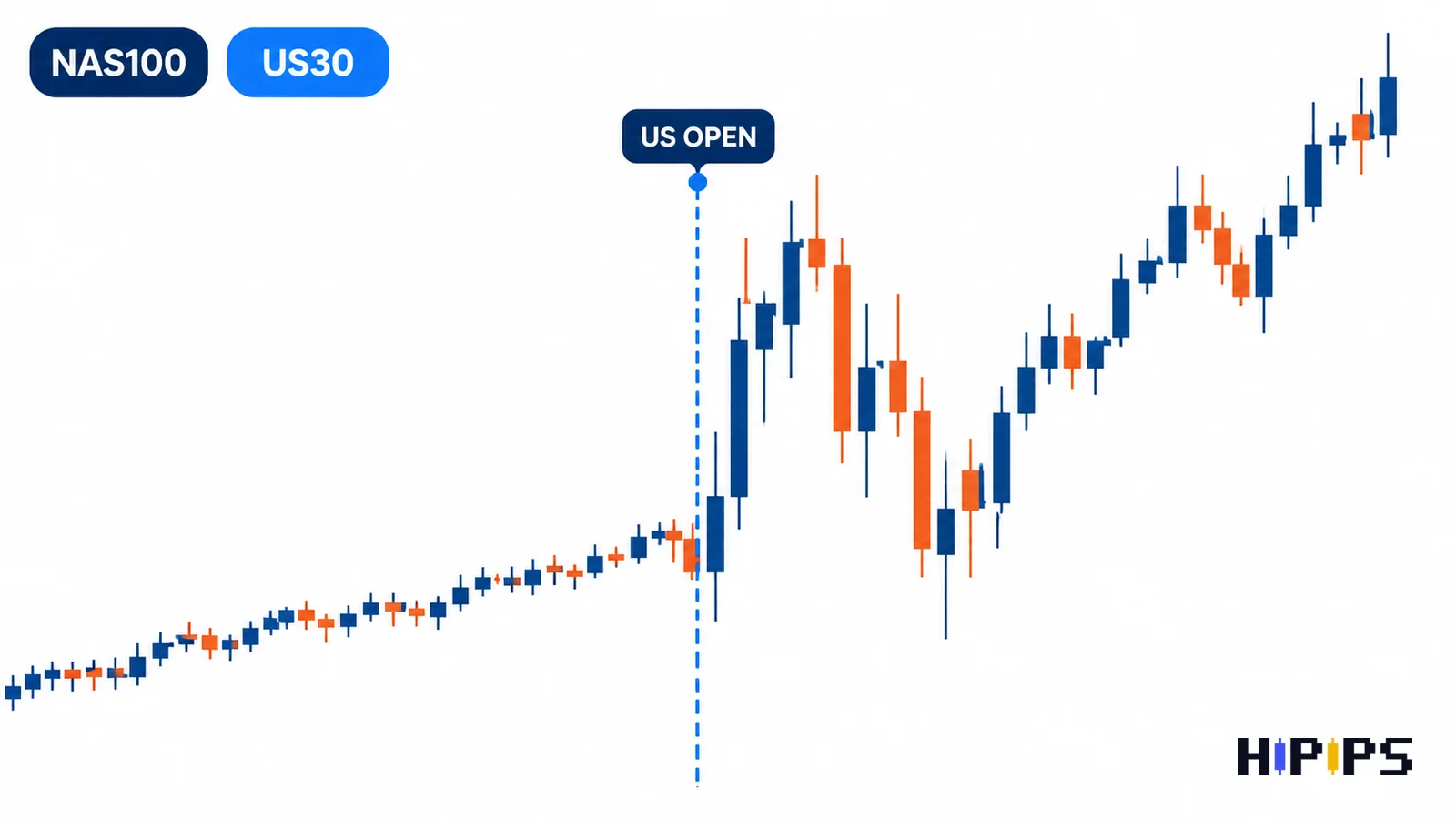
Before buying a NAS100 or US30 EA, verify symbol naming, contract size, session timing, spread, slippage, stop level, news behavior and maximum drawdown. Indices do not behave like EURUSD.
Buyer Checklist
| Check | What to confirm before buying |
|---|---|
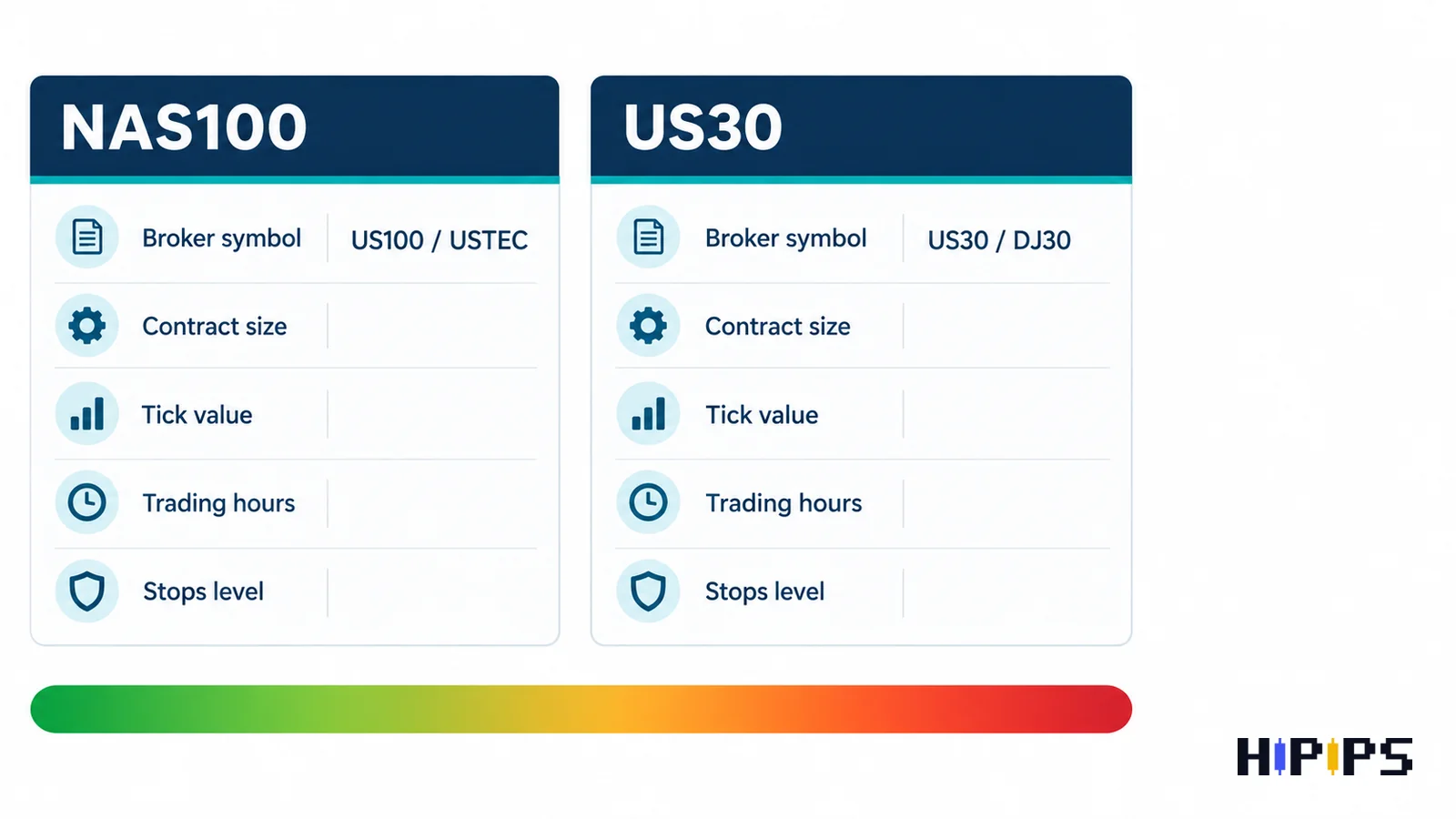
| Symbol name | NAS100, US100, USTEC, US30 or DJ30 can differ by broker. |
| Session timing | Indices volatility changes around cash market open. |
| Contract size | Lot value can be very different from forex pairs. |
| Slippage | Fast index moves can reject or worsen entries. |
Recommended Reading Path
- Expert Advisor category
- MT5 product category
- MT4 product category
- Best MT5 Expert Advisor guide
- EA backtesting before buying
- Forex EA risk settings
- Raw spread XAUUSD scalping guide
- Raw spread cent account guide
- No-martingale Gold EA guide
Why indices robots need symbol verification
Index symbols have inconsistent broker names. A robot that expects NAS100 may not automatically trade USTEC or US100 without symbol mapping. This must be checked before purchase or installation.
- Open broker symbol specification.
- Check minimum lot and lot step.
- Confirm trading hours and breaks.
- Verify if the EA supports the exact symbol name.
Session and spread behavior
NAS100 and US30 can move sharply around major sessions. Spread, slippage and stop levels may change near open, close and high-impact US data.
- Test during cash market open and quieter hours.
- Record spread during volatile periods.
- Avoid oversized lots until drawdown is understood.
- Check if the EA has session or news filters.
How to shortlist an indices EA
A good shortlist starts with product fit, not just aggressive results. Compare platform, symbol coverage, risk controls, testing evidence and VPS needs.
- Prefer clear symbol support in product title or description.
- Check whether the robot is single-symbol or multi-symbol.
- Run demo tests on the same broker symbols.
- Compare with multi-strategy EAs only after risk rules are clear.
Products to Compare on Hipips
Use this shortlist as a research path, not a promise that every product fits every account. Open each product page and verify platform, symbol, package files, setfiles, build compatibility, strategy type and risk controls before checkout.
| Product | Why compare it | Link |
|---|---|---|
| Ind Scalper EA | Indices-oriented product route to verify by symbol. | View product |
| MultiWay EA MT5 | Multi-symbol MT5 comparison path. | View product |
| EA Legendary Multi Strategy MT5 | Multi-strategy product to verify symbol support. | View product |
| R Factor EA MT4 | MT4 comparison route for index or multi-symbol users. | View product |
| Black Max Scalper | Scalping product route to verify platform and symbols. | View product |
Final Recommendation
A buyer who understands the risk, platform and setup requirements is more likely to choose the right product and less likely to regret the purchase.
FAQ
Is NAS100 the same symbol on every broker?
No. Brokers may use NAS100, US100, USTEC or other names.
Are indices EAs riskier than forex EAs?
They can be more volatile and contract values vary by broker, so risk checks are essential.
Should I use an indices EA during US news?
Only if the EA strategy and risk controls are designed for that environment.










